Squarespace Merchants: Accept Crypto This Week Without a Developer

Squarespace has no native crypto checkout, so you have two practical routes: embed a hosted checkout via Code Injection with webhook verification for automated order updates, or use a payment link plus a single-use coupon for a lower-tech workaround. A gateway like Cryptopayr can handle the checkout, links, and webhook verification behind either path. Start with the simpler method and upgrade once volume justifies the extra setup work.
TL;DR:
- Accepting crypto on Squarespace requires embedding a checkout button with webhook verification or using a payment link with a single-use coupon, as there is no native crypto checkout option.
- For high-volume stores with many products, embedding a webhook-automated checkout is more scalable, while low-volume or single-service sellers can use quick payment links and coupons.
- Setting up a secure embed involves creating a merchant account, provisioning a relay server, adding the code to Squarespace, and testing with sandbox or testnet credentials before going live.
- Verifying payments requires checking webhook signatures, attaching transaction hashes to orders, and planning for potential chain reorganizations based on transaction confirmations.
- Cryptopayr offers a ready-to-use gateway with over 110 cryptocurrencies, supporting both embedding and payment links, with no KYC delays and flexible settlement options.
Table of Contents
How Do You Accept Crypto on Squarespace Right Now?
Squarespace’s official payment options cover Squarespace Payments, Stripe, PayPal, and Square. Cryptocurrency isn’t on that list, and it never has been. Squarespace’s own subscription payment help page spells out that Bitcoin specifically is not accepted, which tells you the platform’s checkout was never built with blockchain rails in mind.
That leaves two workable paths:
- Embed / hosted checkout: A “Pay with Crypto” button added through Code Injection, backed by a small relay server that talks to your gateway and Squarespace’s Orders API. Better user experience, automated order records, but it needs some developer time.
- Payment link + coupon: You generate a fixed-price crypto payment link, the buyer pays it, then redeems a single-use coupon for a $0.00 Squarespace checkout that logs the order. No code, but it’s a two-step process for the customer.
- Hosted redirect sits in between: a gateway-hosted checkout page you link to directly, skipping some of the relay complexity while still needing manual or semi-automated order updates.
Settlement is a separate decision from either method: you can receive straight into a self-custody wallet, or let the gateway auto-convert to stablecoins or fiat before it lands in your account.
Which Approach Fits Your Store?
The right method depends less on preference and more on how your shop actually operates. A boutique selling five product variants at high volume needs different plumbing than a consultant selling one $200 discovery call a week.
- High SKU count or frequent orders: go with embed + webhook automation. Manual coupon emails don’t scale past a handful of daily sales.
- Single-price services or low order volume: the payment-link + coupon method gets you live in an afternoon, no developer required.
- Inventory tracking matters to you: embed + Orders API keeps stock counts accurate automatically; the coupon method still works but depends on you (or an automation) triggering the checkout promptly.
- Settlement preference: pick a processor with auto-convert if you want cash flow in fiat or stablecoins by end of day; plan for merchant-wallet settlement if you’re comfortable holding crypto and want lower conversion friction.
Pro Tip: Don’t guess your volume. Pull the last 90 days of orders from your Squarespace dashboard. If you’re under 20 transactions a month, the coupon method will cost you less in developer hours than it saves.
Technical resources matter too. If nobody on your team can read a webhook log, start simple and revisit the embed route once a freelance developer or a platform like Cryptopayr’s gateway can shoulder the heavy lifting.
This is the closest you’ll get to a native-feeling crypto checkout on Squarespace, and it takes real setup work before your first sale.
- Create a merchant account and generate API keys with your crypto payment gateway. Keep these keys out of any client-side code from the start.
- Provision a small relay server (a lightweight Node or Python app works fine) that stores your secrets, creates checkout sessions, and receives webhooks. This server is the piece that makes the embed pattern secure.
- Add the button on Squarespace through a Code Block or Code Injection in your site’s footer or the specific product page header. The embed script should be minimal, just enough to call your relay and redirect the buyer to a hosted checkout or open a payment modal.
- Handle the payment server-side: your relay creates a checkout session with the gateway, the customer pays, and the gateway sends a webhook back to your relay once the transaction confirms.
- Verify the webhook signature before trusting the payload, then call the Squarespace Orders API to mark the order paid or create a new paid order with the transaction details attached.
- Test with sandbox or testnet keys first, then run one or two small live-value transactions before opening the button to real customers.
This client-plus-relay structure isn’t something you have to invent from scratch. Open-source examples like makepay-io/makepay-squarespace walk through the embed script, relay endpoints, and webhook handling in working code, and the same pattern shows up in how similar embeds work on other platforms.
Pro Tip: Log every webhook payload your relay receives, even the failed ones, for at least 30 days. When a customer disputes an order, that log is the only record that settles it fast.
How Do You Set Up a Crypto Payment Link Instead?
If a relay server sounds like more infrastructure than your shop needs, this route gets you accepting crypto payments today.
- Generate a fixed-amount payment link in your crypto gateway’s dashboard, set to the exact order total, including tax and shipping if applicable.
- Send the buyer to that link either from your product page or during a manual checkout conversation. The gateway confirms payment on its end once the transaction clears.
- Issue a single-use coupon for 100% off, tied to that specific order, and send it to the buyer so they can complete a $0.00 checkout directly on your Squarespace store. This is what actually registers the order and drops inventory.
- Automate what you can: some gateways let you trigger a webhook to fire off the coupon email automatically instead of you doing it by hand every time.
A sample confirmation email might read: “Payment received, thanks. Here’s your one-time code [CODE] to finish your order confirmation on our site, just enter it at checkout for $0.00 due.”
Community documentation on Acciyo’s Squarespace crypto guide covers this coupon workaround in more depth, including edge cases around partial payments and timing.
Pro Tip: Set your coupon to expire in 24 hours. It stops old codes from floating around in inboxes and being reused by mistake.
How Do You Verify Payments and Automate Squarespace Orders?
Confirmation requirements vary by chain: Bitcoin transactions typically need multiple confirmations for larger orders, while some gateways accept single-confirmation stablecoin payments for lower-risk amounts. Set your own threshold based on order size, not a blanket rule.
- Verify every webhook signature against the secret your gateway issued. Skipping this step means anyone who finds your endpoint URL could fake a “paid” event.
- Call the Orders API only after signature verification passes, and attach the on-chain transaction hash as order metadata so you have an audit trail.
- Watch for partial payments, where a buyer sends slightly less than the invoice, and decide in advance whether you’ll accept, refund, or request the difference.
- Plan for chain reorgs on the rare occasions a “confirmed” transaction gets reversed. This is uncommon but not impossible on some networks, which is exactly why waiting for adequate confirmations matters before you ship anything physical.
What Should You Check Before Going Live?
Don’t flip the switch on a new payment method without running through this list first.
- Run at least one full transaction on sandbox or testnet credentials, then repeat with a small real payment.
- Confirm the webhook fires, the Squarespace order gets created, inventory decrements, and any shipping confirmation email actually sends.
- Test the mobile wallet flow specifically. Scanning a QR code on a phone breaks more often than desktop copy-paste.
- Check that a refund initiated from your side actually reaches the customer’s wallet address correctly.
- Keep a manual reconciliation spreadsheet running for the first 72 hours, even with automation live. Bugs surface fastest under real traffic.
What I’d Tell a Squarespace Merchant Starting Today
Start with the payment link and coupon method, even if it feels basic. It’s the lowest-risk way to learn how your customers actually behave around crypto checkout before you invest developer hours into a relay server. Move to embed and webhook automation once your order volume makes manual coupon emails genuinely painful, not before. A gateway like Cryptopayr fits well at that upgrade point, since it handles hosted checkout, payment links, and webhook verification across a wide range of coins without forcing you to build that infrastructure yourself.
— Dustin
Get Your Squarespace Store Accepting Crypto This Week
Cryptopayr gets you past the relay-server problem entirely. Instead of building and hosting your own verification layer, you get hosted checkout, payment links, and webhook confirmation already built, plus support for over 110 cryptocurrencies including Bitcoin and Ethereum with processing fees starting at 0.1%.
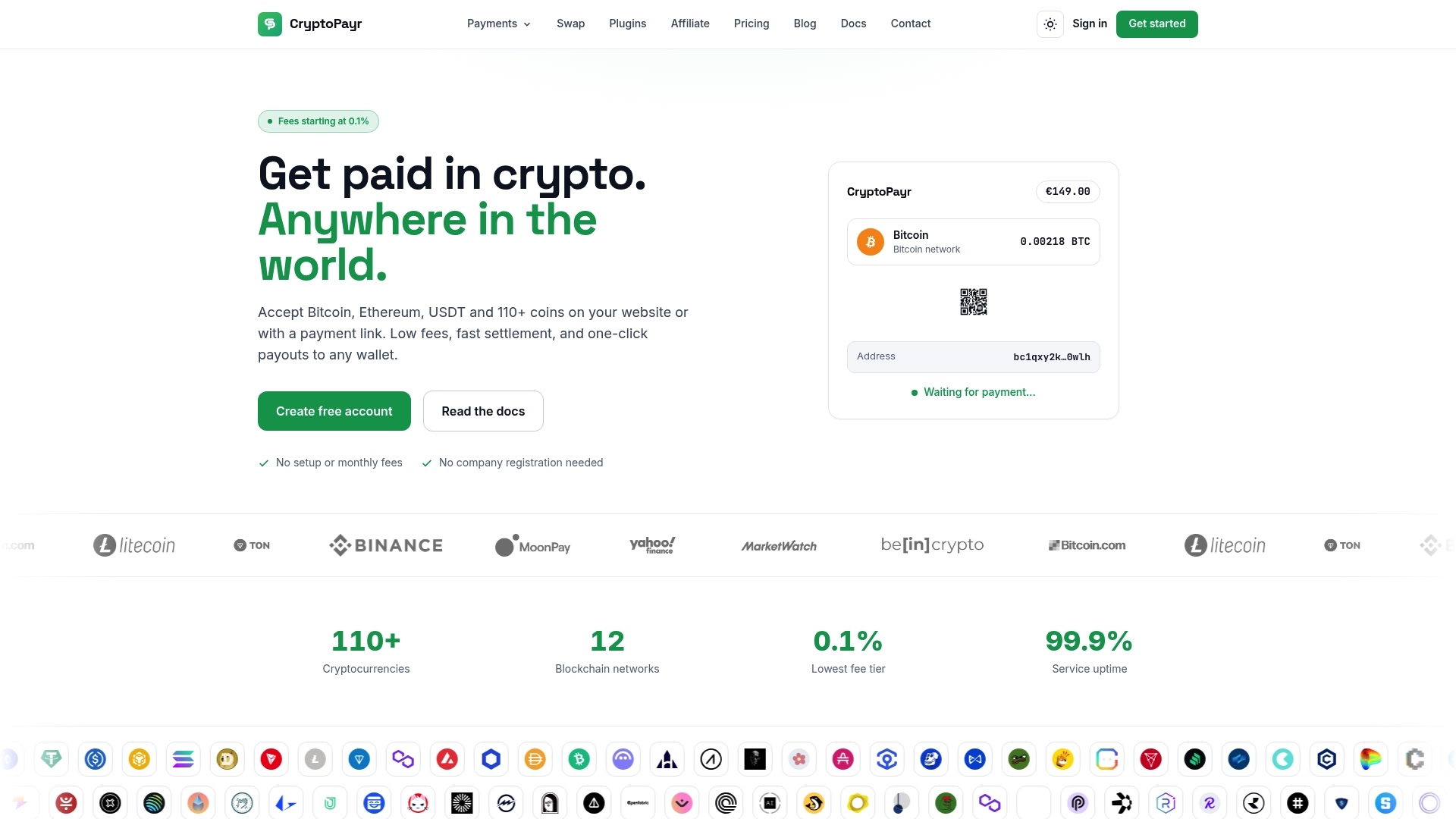
There’s no KYC onboarding delay, so you can generate API keys and start testing in a sandbox environment the same day you sign up. Whether you land on the embed method or the payment-link workaround, the same gateway handles both, and you can choose auto-convert to stablecoins or settle straight to your own wallet. If you want to see the full coin list and typical fee structure before you commit, the crypto acceptance overview breaks down settlement options in plain terms. Sign up, grab your API keys, paste the embed code or generate your first payment link, and you’re live.
Where to Go Deeper on the Technical Details
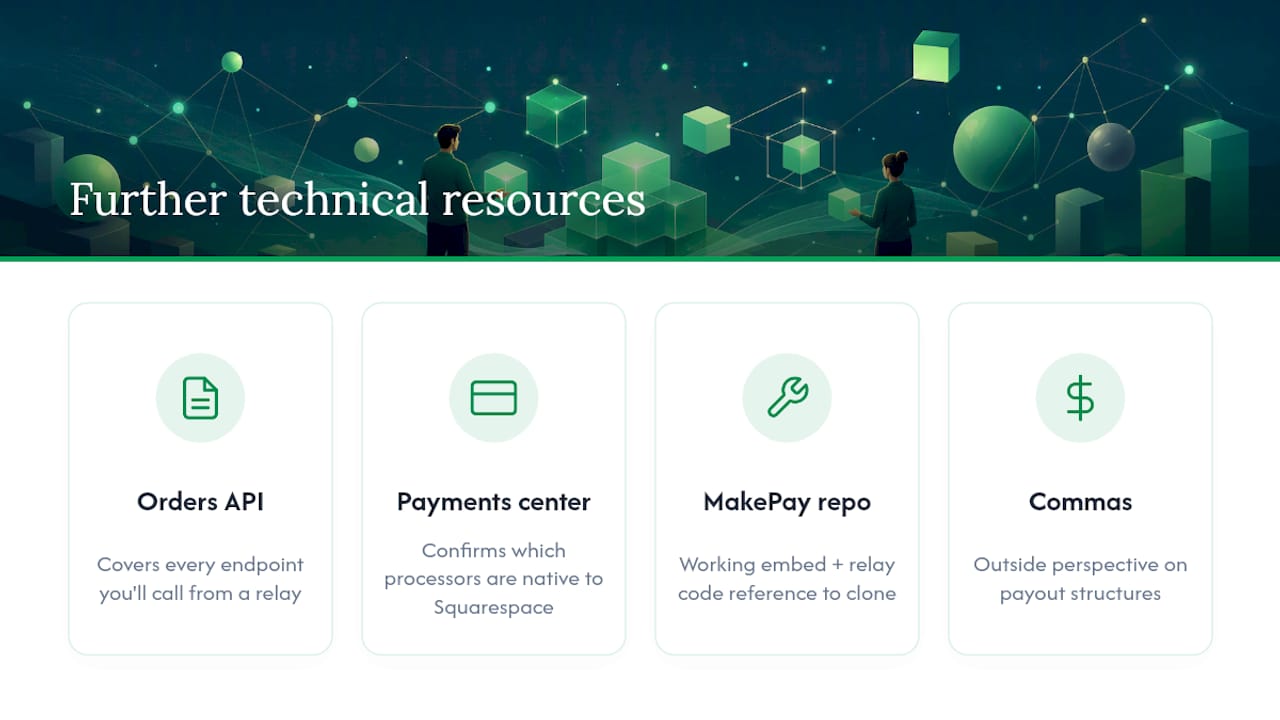
For the order-automation piece, Squarespace’s own Orders API documentation covers every endpoint you’ll call from your relay. Their payments help center confirms exactly which processors are native. For a working code reference on the embed and relay pattern, the MakePay Squarespace repository is worth cloning before you write your own from scratch. If you’re weighing self-custody against processor settlement, Commas offers a useful outside perspective on payout structures.
Sources
Recommended

