CryptoPayr Makes WordPress Crypto Payments Simple
CryptoPayr is the most practical way for WordPress and WooCommerce stores to accept cryptocurrency in 2026. It supports a wide variety of coins, charges low fees starting at a small percentage, and offers both hosted checkout and self-hosted plugins so you’re not locked into one integration model.
Setting up wordpress crypto payments used to mean choosing between clunky custodial services or DIY wallet integrations that broke every time WooCommerce shipped an update. That gap is closing fast. A few plugins now handle the hard parts (unique addresses, webhook reliability, rate volatility) without asking you to write code.
Here’s what actually matters when you evaluate a crypto payment gateway for WordPress:
- Coin and network support: CryptoPayr supports a broad range of cryptocurrencies including Bitcoin and Ethereum, so you’re not turning away customers who hold a coin you don’t recognize.
- Fee structure: CryptoPayr offers fees starting at a low percentage that beat most card processors and many competing crypto gateways.
- Plugin coverage: native WooCommerce and Easy Digital Downloads plugins mean no custom development.
- Checkout flexibility: hosted checkout, payment links, and a full API let you pick the integration depth that fits your stack.
Success looks like a checkout that confirms orders automatically, settlement that lands where you want it (crypto, stablecoin, or fiat), and a support process that doesn’t require you to babysit blockchain explorers all day.
Key Takeaways
Production-ready WordPress crypto payments require checking WooCommerce/HPOS compatibility, choosing the right custody model, and testing webhooks thoroughly before launch.
| Point |
Details |
| Choose your custody model first |
Decide between custodial hosted gateways, self-custodial plugins, or API/payment links before installing anything. |
| Confirm HPOS and block-checkout support |
Verify plugin compatibility with High-Performance Order Storage and block-based checkout to avoid integration regressions. |
| Use HD wallets for order matching |
Unique per-order addresses prevent payment collisions and reduce manual reconciliation work. |
| Test webhooks before going live |
Most payment failures trace to webhook delivery issues, not blockchain confirmation delays. |
| CryptoPayr covers the full setup path |
No-KYC onboarding, fees from 0.1%, and native WooCommerce and Easy Digital Downloads plugins support hosted checkout, payment links, and API integration. |
Table of Contents
Custodial Gateways, Self-Custodial Plugins, or Payment Links: Which Fits Your Store?
Every wordpress crypto plugin falls into one of three models, and picking the wrong one creates headaches you won’t notice until you’re already live.
- Custodial hosted gateways manage the wallet infrastructure for you. You get a merchant account, funds settle to fiat or stablecoin on a schedule, and the provider often handles KYC. The tradeoff is you’re trusting a third party with custody, even briefly, in exchange for far less operational overhead.
- Self-custodial plugins send funds straight to a wallet you control. Crypto for WooCommerce is a good example: no middleman fees, but you own the responsibility for key security, node access, and confirmation checks. That’s real freedom, and real risk, in the same package.
- Payment links and API integrations skip the plugin entirely. SaaS platforms, marketplaces, and subscription businesses often prefer this because it decouples payment collection from the storefront, which matters when you’re billing across multiple products or need programmatic control over payouts.
The decision usually comes down to four questions: Does your team have the technical skill to manage private keys? How much regulatory exposure can you tolerate? Do you want to hold crypto or settle in dollars? And does your customer base expect a native checkout experience or will they tolerate a redirect?
Pro Tip: If you’re running a small store with no dedicated developer, start with a hosted plugin like CryptoPayr’s WooCommerce integration. You can always migrate to a self-custodial setup once volume justifies the extra operational work.
Is Your WordPress Site Ready for Crypto Checkout?
Before installing anything, run through a compatibility pass. Crypto plugins interact with WooCommerce’s checkout flow in ways that expose weak points other payment methods never touch.
- Confirm your WooCommerce version supports High-Performance Order Storage (HPOS), and check whether your crypto plugin has been updated for it. MyCryptoCheckout explicitly recommends verifying HPOS and block-checkout support before going live, since older plugins built for the legacy order tables can silently fail on updated stores.
- Test the plugin against the block-based Cart and Checkout, not just the classic shortcode checkout. Some themes still override checkout templates in ways that break payment widgets.
- Check minimum PHP and WordPress version requirements, confirm your host has the PHP extensions the plugin needs (usually
curl and json), and ensure SSL is properly configured. A gateway that talks to blockchain APIs over an insecure connection is a liability, not a convenience.
- Verify your webhook endpoint is publicly reachable, isn’t blocked by a firewall rule or security plugin, and that your host allows outbound requests without aggressive rate limiting.
- Look for HD wallet support and unique-address-per-order capability specifically. Plugin documentation on MyCryptoCheckout notes this reduces payment collisions on higher-traffic stores, where two customers paying the same shared address at once used to cause real reconciliation problems.
Skipping this checklist is how stores end up with orders stuck in “processing” for days.
How Do You Set Up Crypto Payments on WooCommerce?
Going from zero to a live crypto checkout takes an afternoon if you follow the steps in order.
- Install the plugin. CryptoPayr’s WooCommerce plugin is available as a direct download from the plugin page; some crypto plugins also live on WordPress.org, but hosted-gateway plugins are more commonly distributed as a ZIP upload through your WordPress admin.
- Create your merchant account (for hosted setups) or enter your receiving wallet address (for self-custodial plugins). CryptoPayr’s no-KYC flow skips the identity paperwork most gateways require here.
- Choose your settlement preference. Decide whether you want to keep funds in crypto, auto-convert to a stablecoin, or receive fiat payouts. This choice determines how exposed you are to price swings between checkout and settlement.
- Generate API keys in your gateway dashboard, paste them into the plugin settings, then set your webhook endpoint URL. Send a test webhook and confirm your site returns a 200 response.
- Turn on sandbox/test mode. Run several simulated transactions and watch the full order lifecycle: pending, confirmed, completed. Test the resume-payment link flow too, since customers who close the tab mid-confirmation need a way back in.
- Run your pre-launch checklist before flipping to live mode:
- SSL certificate valid and enforced site-wide
- Webhook delivery succeeding consistently in test mode
- Confirmation thresholds set to match your risk tolerance
- Order confirmation emails tested and formatted correctly
Merchants who skip sandbox testing are almost always the ones filing support tickets about “missing” payments a week later. The CryptoPayr WooCommerce setup guide walks through each of these screens with actual dashboard examples.
What Security Practices Actually Protect a Crypto Checkout?
The single biggest source of operational pain in crypto payments is address reuse. When multiple customers pay into the same shared wallet address, matching payments to orders becomes a manual mess. HD wallets (hierarchical deterministic wallets) solve this by generating a unique address for every order automatically, and plugin authors treat this as close to mandatory for any store doing meaningful volume.
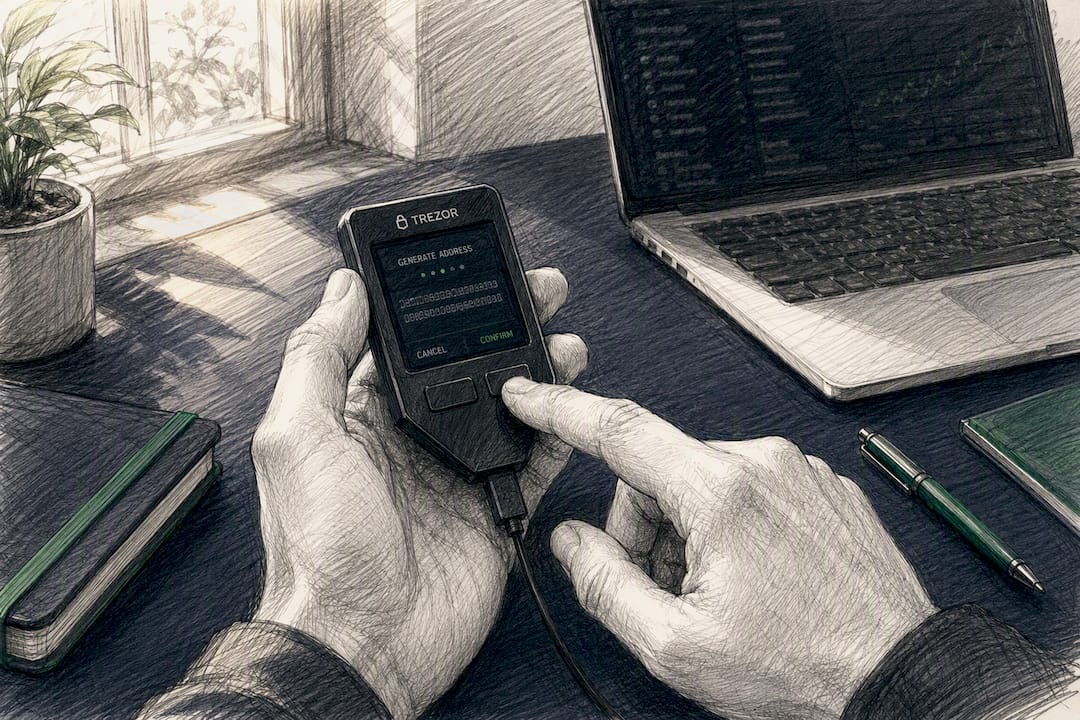
Key custody deserves its own plan, not an afterthought. If you’re running a self-custodial setup, keep the bulk of received funds in cold storage, sweep hot wallets on a regular cadence, and never leave more than you’d be comfortable losing sitting in an internet-connected wallet.

Zero-confirmation (“0-conf”) payments let checkout complete almost instantly, which customers love, but they carry a real double-spend risk since the transaction hasn’t been confirmed on-chain yet. MyCryptoCheckout’s documentation flags this directly: 0-conf is fine for low-value orders or when combined with fraud scoring, but higher-ticket items usually warrant waiting for at least one confirmation.
Instant rate locking, offered by gateways like Cryptonly, fixes the exchange rate the moment a customer checks out, so price movement afterward is the gateway’s problem, not yours.
- Watch webhook logs daily, not just when something breaks.
- Cross-check flagged transactions against a block explorer before manually marking an order paid.
- Set up automated alerts for any payment that hits pending status without confirming within your expected window.
Pro Tip: Auto-converting incoming payments to a stablecoin the moment they’re confirmed removes volatility risk almost entirely, at the cost of giving up any upside if the original coin appreciates.
Why Do Crypto Orders Get Stuck, and How Do You Fix Them?
Most payment failures trace back to webhook delivery, not blockchain confirmation delays. Test methodically before you assume the blockchain is the problem.
- Run simulated payments through sandbox mode and inspect the raw webhook payload your server receives, not just the order status in WooCommerce.
- If webhooks aren’t firing, check for SSL certificate errors first, then look for 5xx server responses or timeouts, which usually point to a security plugin or firewall silently blocking the request.
- When an order sits pending longer than expected, check the transaction directly on a block explorer before touching anything in WooCommerce. Confirmation delays are normal during network congestion; Bitcoin’s own documentation explains why confirmation counts exist as a finality safeguard rather than a bug.
- If the amount received doesn’t match the order total, it’s almost always a rate-API timing issue or a rounding precision mismatch, not a customer shortchanging you. Reconcile manually and adjust your rate-refresh interval if it happens often.
- For anything unresolved, use a resume-payment link so the customer can complete or retry without opening a new order, and always over-communicate rather than issuing a silent refund.
What Does a Real CryptoPayr Setup Look Like?
CryptoPayr’s plugin lineup covers the two most common WordPress commerce stacks: a dedicated WooCommerce gateway and an Easy Digital Downloads integration for stores selling digital products outside the WooCommerce ecosystem.
- No-KYC onboarding means a merchant account can be active same-day, with no document uploads or waiting period.
- CryptoPayr charges low fees that put it well below typical card-processing rates and most competing crypto gateways.
- Hosted checkout, payment links, and a full API give merchants three integration depths from one account, which matters if you run both a storefront and a separate billing system.
- SaaS and subscription businesses that lose revenue to declined cards can route around that entirely, a use case covered in more detail in CryptoPayr’s guide on recurring crypto billing.
The Part Most Guides Get Wrong About Crypto Checkout
Most advice on this topic treats “accept crypto payments” as a binary switch: install a plugin, done. That framing skips the actual work, which is operational, not technical. The plugin install takes ten minutes. Getting your webhook handling, confirmation thresholds, and settlement preferences right takes real thought, and it’s the part almost every rushed setup gets wrong.

The conventional wisdom also overweights coin selection and underweights settlement risk. Merchants obsess over how many coins a plugin supports, when the question that actually affects your bottom line is whether you’re holding volatile assets between checkout and settlement or converting them away immediately. A gateway with fewer coins but instant stablecoin conversion often protects margin better than one with broader support and no rate locking.
If you take one thing from this guide, prioritize sandbox testing over speed to launch. Every stuck order, every webhook mystery, every “where’s my payment” support ticket traces back to a setup that skipped proper testing. Test the failure paths, not just the happy path, before you ever take a real customer’s money.
— Dustin
Ready to Accept Crypto on Your Store?
CryptoPayr gets you live faster than most gateways because there’s no KYC queue standing between signup and your first real transaction, and fees starting at 0.1% mean you keep more of every sale compared to card processors or heavier crypto competitors. For WordPress stores specifically, that means installing a plugin built for your stack instead of wrestling with generic API documentation.
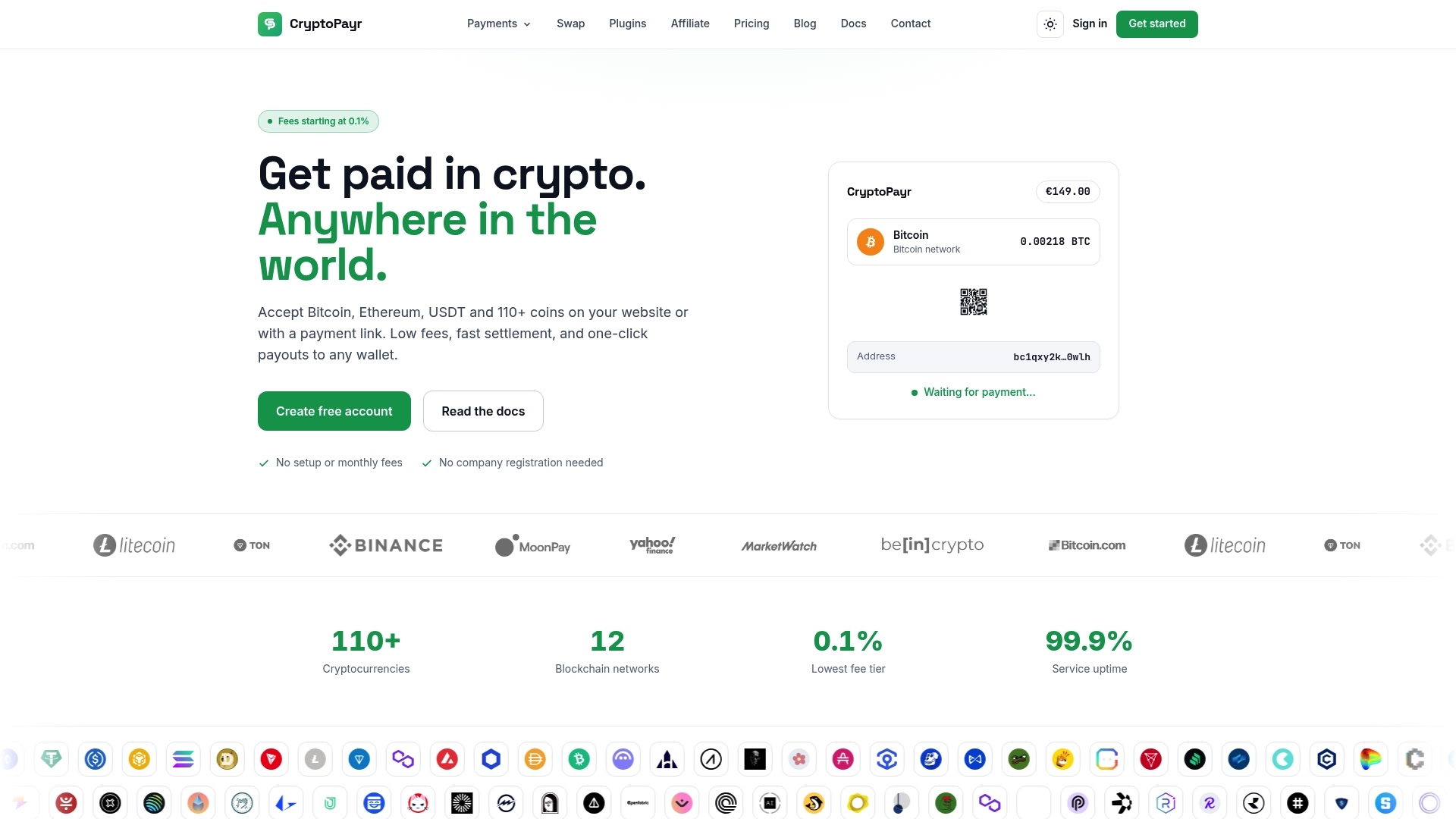
Start with the CryptoPayr gateway overview to see checkout, payment link, and API options side by side, or go straight to the WooCommerce plugin page if you already know your stack. Running Easy Digital Downloads instead? The EDD crypto gateway covers that setup directly. Every integration path includes sandbox mode, so you can run test transactions and confirm your webhook flow before a single real payment touches your store.
Sources
Recommended


