Go Live Same Day on BigCommerce: Accept Crypto With CryptoPayr
Yes, BigCommerce merchants can accept crypto today, and for most stores the right move is a hosted gateway or plugin rather than a self-hosted setup. That approach lets a provider handle wallet security, price conversion, and reconciliation while you keep selling. CryptoPayr is one direct option built for this: hosted checkout, a plugin path, or an API integration, all without a lengthy verification process before your first sale.
TL;DR:
- Using a hosted gateway or plugin is the fastest and easiest way for BigCommerce merchants to accept crypto, avoiding complex infrastructure setup.
- Testing with sandbox orders for each coin and network support is crucial to ensure webhook accuracy and proper order status updates before going live.
- Merchants should consider auto-converting to fiat or holding stablecoins to manage volatility and simplify bookkeeping, rather than accepting direct crypto holdings.
- Total transaction costs include gateway fees, network on-chain fees, and potential conversion spreads, which must be carefully estimated for accurate margins.
- Supporting only stablecoins plus Bitcoin and Ethereum is sufficient for most merchants, reducing operational complexity while meeting the majority of customer demands.
Table of Contents
How Do You Enable Cryptocurrency on BigCommerce?
BigCommerce doesn’t process crypto natively. It connects to third-party payment solutions through apps and integrated gateways, and you choose how deep that connection goes.
- Hosted gateway or plugin: the fastest path. You install an app or add a payment method, the provider hosts the checkout flow, and it can auto-convert incoming crypto to fiat or hold it in stablecoins. Best fit for most merchants, regardless of technical staff on hand.
- Payment links and QR codes: no code required. Generate a link or QR code for a specific amount and drop it into a social post, a market-stall tablet, or an invoice. Good for testing demand or handling low-volume, off-checkout sales.
- Self-hosted or open-source servers: full control over keys and fees, but you own confirmation monitoring, key custody, and every edge case that comes with running blockchain infrastructure yourself.
If you’re unsure how much demand exists, start with a hosted gateway or a payment link before building anything custom. That sequencing matters: most merchant guides recommend testing with a hosted checkout or link first precisely because it avoids paying for infrastructure you might not need.
How Do You Set Up Crypto Payments in BigCommerce?
Setup happens in two places: your BigCommerce control panel and your chosen gateway’s dashboard. Here’s the sequence that avoids most first-time mistakes.
- Check your account permissions. You’ll need Manage Payments and Manage Settings access under Store Setup before any payment method will save correctly.
- Pick your integration surface. Either install a payment app from the App Marketplace, or go to Payments, then Online Payment Methods, then Set Up, and connect a provider directly.
- Create credentials. Most providers require a business verification step and issue an API token or client key, which you paste into the BigCommerce payment settings and publish.
- Run test mode first. Place several sandbox orders, confirm the webhook fires and the order status updates correctly in BigCommerce, then flip the method to live.
This sequence mirrors what BigCommerce documents for connecting outside processors, and skipping the webhook verification step is the most common reason merchants see orders stuck in a pending state after launch.
Pro Tip: Run at least one test order for every coin or network you plan to support, not just one overall test. A USDC payment on one network behaves differently at the webhook level than a Bitcoin payment, and catching that gap in sandbox costs nothing.
Should You Auto-Convert, Hold Stablecoins, or Receive Crypto Directly?
This decision shapes your accounting more than almost any other setting you’ll touch. Three models exist, and each trades convenience for control differently.
- Auto-convert to fiat: the provider converts incoming crypto to your store currency, usually same-day or next business day. You lose volatility exposure entirely but pay a conversion spread on top of the transaction fee. This suits merchants who pay suppliers or payroll in fiat and can’t absorb price swings on revenue.
- Stablecoin settlement: you receive USDC, USDT, or similar, keeping value on-chain without Bitcoin-level volatility. It’s become the default for merchants who want on-chain speed without the price risk, but you’ll need to track which network each stablecoin arrived on (USDC on Ethereum settles differently than USDC on a lower-fee chain).
- Receiving crypto directly: maximum control, minimum hand-holding. You handle custody, security, and converting to fiat on your own schedule and tax basis.
Practical default for most BigCommerce stores: accept stablecoins plus Bitcoin and Ethereum for recognition, and auto-convert only the portion of revenue you need in predictable fiat terms. Merchant guides increasingly point toward this hybrid rather than an all-or-nothing choice, and it keeps your coin list short enough that bookkeeping doesn’t become its own part-time job.
What Fees, Security, and Compliance Issues Should You Plan For?
Three cost layers stack on every crypto transaction: the gateway’s processing fee, the network fee for moving the asset on-chain, and any conversion spread if you’re auto-converting to fiat. None of these are hidden exactly, but they’re easy to underestimate when you’re comparing headline rates across providers.
- Estimate your real margin impact by adding all three layers together, not just the advertised transaction fee.
- Build reconciliation into your workflow early: unique payment addresses per order, order metadata tied to the blockchain transaction hash, and webhook logs you can audit if a payment dispute comes up.
- Understand the custody split. A hosted gateway manages private keys on your behalf, which limits your security exposure but means trusting their infrastructure. Self-hosting means you hold the keys, backups, and every risk that comes with that.
- Expect verification requirements on most platforms, and know that country-level rules on crypto acceptance differ enough that consulting local counsel is worth the hour, especially if you operate across borders.
Direct peer-to-peer acceptance also multiplies operational load, since you’re the one watching for confirmations and manually reconciling every incoming transaction. That’s the tradeoff a gateway exists to remove. For merchants weighing verification friction specifically, it’s worth understanding how no-KYC onboarding changes the compliance picture versus a traditional processor.
What’s the Launch Checklist Before Going Live?
Don’t flip crypto payments live on a whim, even with a reputable provider. Run through this order first.
- Place multiple test orders in sandbox mode, covering every coin and network you’ll support.
- Confirm webhook delivery and check that BigCommerce order statuses update correctly for each test case.
- Test your actual settlement destination, whether that’s fiat, stablecoins, or crypto, and note the timing and fees you actually see, not just what’s advertised.
- Publish clear checkout instructions for customers and confirm your refund policy works by running a test refund in sandbox before you ever need one for real.
Skipping step three is the most common regret merchants report after their first month live.
What Do Merchants Actually Get Wrong About Crypto Checkout?
Most of the anxiety around accepting crypto on BigCommerce isn’t really about crypto. It’s about merchants assuming they need to become blockchain operators to accept a payment method their customers are already asking for. That’s backwards. The entire point of a gateway layer is that you shouldn’t need to understand mempool congestion or gas fee spikes to get paid in Bitcoin.
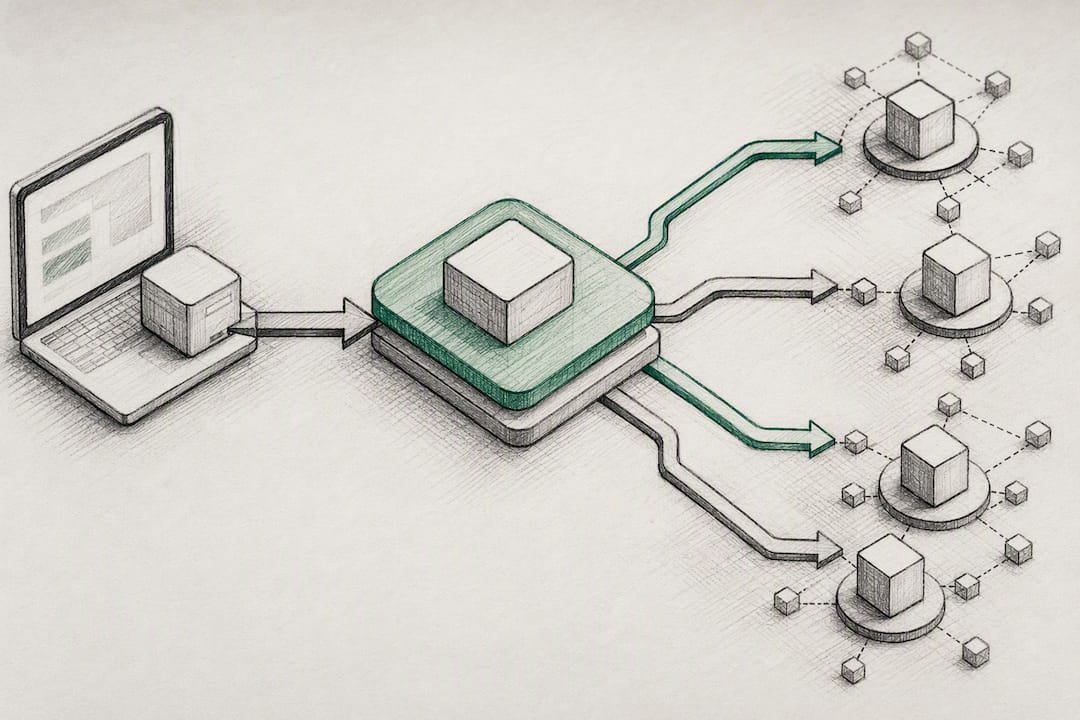
The bigger mistake I see is merchants treating coin selection as a marketing decision instead of an operational one. Supporting fifteen coins sounds generous to customers, but it’s fifteen sets of network behavior, confirmation times, and bookkeeping entries for your team to manage. A tight lineup, stablecoins plus BTC and ETH, covers the overwhelming majority of customer demand without the overhead.
Whether that’s the right fit depends on your volume and your appetite for managing settlement yourself, but it’s a defensible default for a store testing the waters.
— Dustin
How Do You Get Started With CryptoPayr on BigCommerce?
If you’ve read this far, you already know the fastest path: pick a hosted checkout, a plugin, or an API integration, and test before you commit to anything live. CryptoPayr covers all three surfaces, so the choice comes down to how much control your team wants over the customer-facing flow.
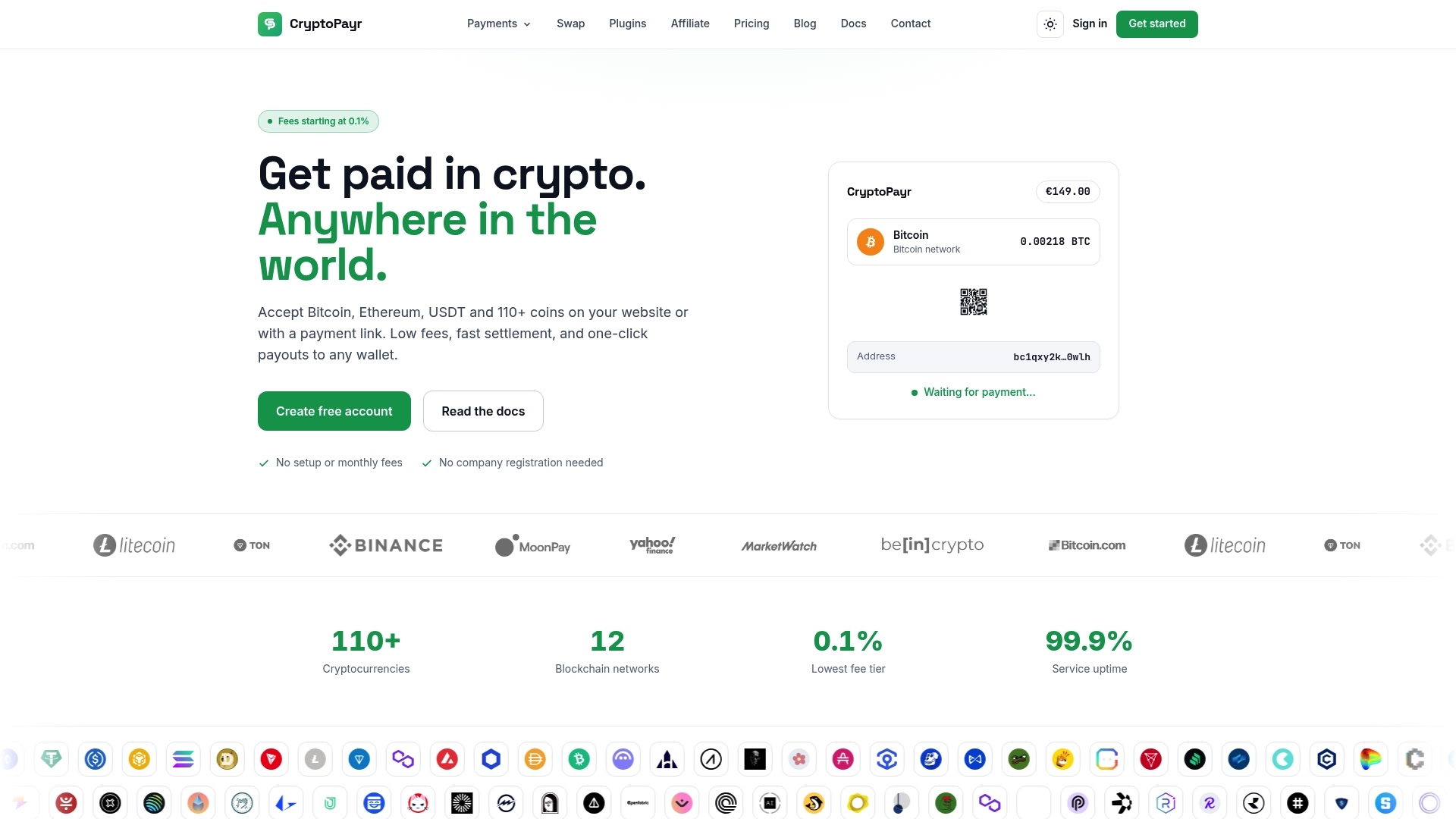
Most merchants can be testing in sandbox within a few hours and live with a hosted checkout the same day; a custom API integration typically takes a few extra days depending on your development resources. Start on the CryptoPayr gateway page to see the setup options side by side, and run a sandbox transaction before switching anything to live. If you’re running a platform or marketplace rather than a single store, the white-label option is worth a look too, since it lets you offer crypto acceptance under your own brand rather than CryptoPayr’s.
Where Can You Verify These BigCommerce Crypto Details?
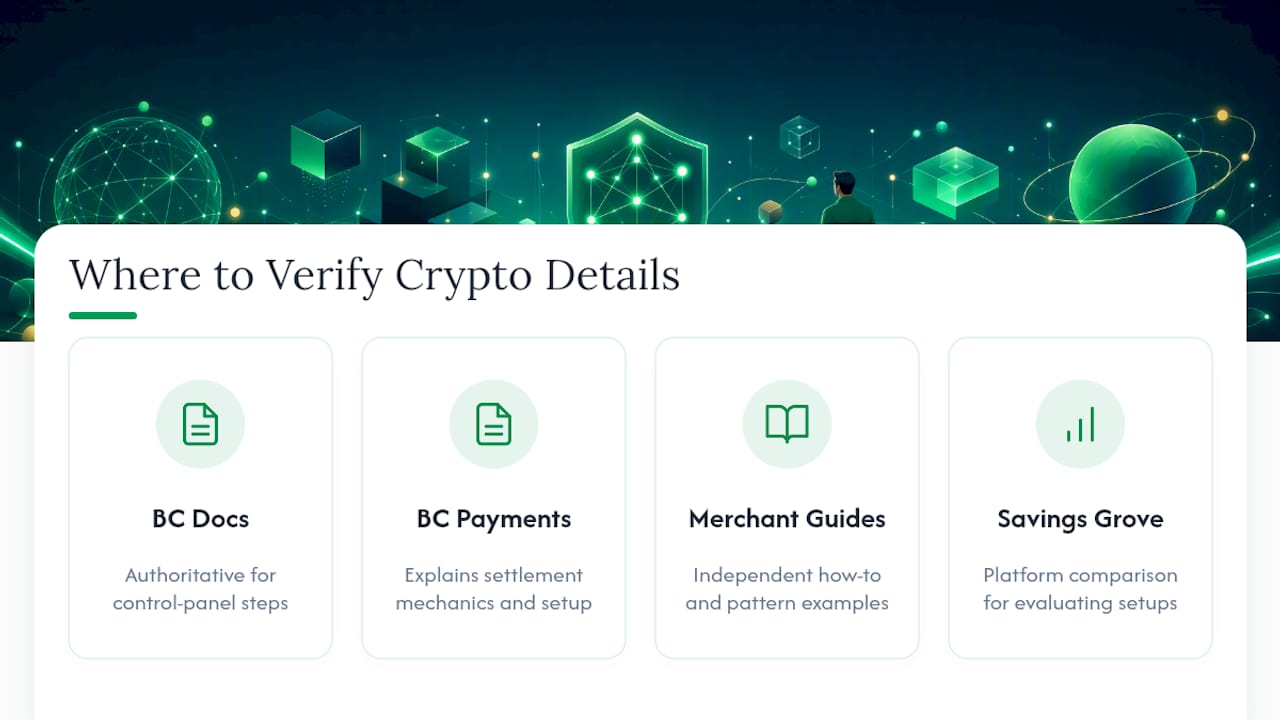
For control-panel steps, BigCommerce’s own supported crypto solutions documentation is the authoritative reference. For settlement mechanics and merchant setup patterns, the BigCommerce cryptocurrency payments page and independent merchant guides fill in the rest, alongside broader platform research like Savings Grove’s ecommerce platform guide for merchants still evaluating their setup.
Sources
Recommended


