Accept Crypto on Drupal Commerce: Fix 3 Causes of Unpaid Orders
Yes, you can accept crypto on Drupal Commerce by installing a supported payment gateway module through Composer, then linking it to a processor or self-hosted gateway like BTCPay Server. The reliable path is: install the module, generate API keys, register a webhook URL with signature verification, and test the whole loop on testnet before you touch mainnet. Skip the webhook step and you’ll get paid orders that never update, which is the single most common failure developers run into.
TL;DR:
- Most crypto gateway modules for Drupal Commerce require Drupal 9 or 10, PHP 8.1 or higher, and a properly configured HTTPS endpoint for webhooks.
- Testing in sandbox or testnet mode is essential before switching to mainnet, with webhook verification and idempotency being critical to reliable order updates.
- Properly securing API keys and webhook secrets, along with signature validation, is vital to prevent order processing failures and security issues.
- Webhook delivery issues often stem from unreachable URLs, signature mismatches, or reference ID mismatches, which can be fixed by checking logs and configuration.
- Cryptopayr supports quick onboarding with no KYC, offers multiple integration options, and facilitates marketplace payouts, all without extra verification delays.
Cryptopayr
Make Crypto Payments Easier to Accept
Cryptopayr helps Drupal Commerce merchants accept over 110 cryptocurrencies with no KYC and integration options for existing platforms.
Table of Contents
What You Need Before Installing a Crypto Payment Module
Before you run a single Composer command, confirm your stack can actually support the module you want. Most current crypto gateway modules target Drupal 9 or 10 with Commerce 2.x, and they expect PHP 8.1 or higher along with a working Composer setup.
- Confirm Drupal core and Commerce versions match the module’s requirements listed on its project page.
- Verify Composer is installed and that you have shell access to run drush commands.
- Set up a merchant account with your chosen processor, or stand up a self-hosted instance like BTCPay Server, and generate API keys or webhook secrets from that dashboard.
- Make sure you have a publicly reachable HTTPS endpoint for webhooks. If you’re building locally, a tunneling tool like ngrok will stand in for your live domain during testing.
Skipping the HTTPS requirement is the fastest way to waste an afternoon. Processors will not deliver webhook events to localhost, no matter how correctly the module is configured.
Installing and Enabling the Crypto Module in Drupal Commerce
Once your environment checks out, the install itself is short. Following the standard Drupal Commerce installation docs keeps you aligned with the Composer patterns the Commerce maintainers actually test against.
- Run
composer require drupal/[module-name] from your project root, substituting the specific gateway module (for example, drupal/commerce_btcpay).
- Run
composer update cautiously if the module pulls in new dependencies, and check for conflicts before committing the lockfile.
- Apply any database updates the module ships with by visiting
/update.php or running drush updb.
- Enable the module with
drush en [module-name] -y, or toggle it on through the Extend UI at /admin/modules.
- Clear caches with
drush cr and confirm the module now appears under enabled modules.
- Do a quick smoke test by opening Commerce → Configuration → Payment → Payment gateways and checking that the new gateway plugin appears in the “Add payment gateway” form.
Pro Tip: Read the module’s project page on Drupal.org before you install anything. Version-specific notes there (patch requirements, known conflicts with certain Commerce point releases) save you from debugging a problem someone already documented.
If the gateway plugin doesn’t show up after enabling, it’s almost always a cache issue or a missing dependency Composer silently skipped. Rerun composer why-not against the module name to see what’s blocking it.
Gateway configuration lives at /admin/commerce/config/payment-gateways, and this is where the module actually becomes functional rather than just installed.
- Click “Add payment gateway,” select your crypto plugin from the list, and give it a name and display label.
- Generate an API key, store token, or Trade ID from your processor’s dashboard, then paste it into the module’s configuration form. Treat this value like a password.
- Copy the webhook URL the module displays in its settings form and paste that exact URL into your processor’s webhook configuration panel.
- Turn on signature or HMAC verification if the module offers it, and send a test event from the processor dashboard to confirm delivery.
Securing credentials and getting the webhook listener URL right are consistently the two steps that determine whether reconciliation works at all, according to the CoinsPaid module documentation. Get either one wrong and orders will process on the processor’s side while your store never finds out.
Redirect flows and API flows behave differently inside Commerce. A redirect (off-site) gateway sends the buyer to a hosted checkout page, creates an authorization transaction, then waits for the webhook to flip the order to “completed.” An API-based flow keeps the buyer on your site and updates payment state more directly through SDK calls. Modules like Coinsnap use the token-based off-site pattern, requiring a Trade ID and Token entered directly into the gateway config form.
How Do You Test a Crypto Gateway Before Going Live?
Never point a fresh integration at mainnet. Every serious processor offers a sandbox or testnet mode, and that’s where your first ten checkouts belong.
- Switch the gateway to test or sandbox mode in its configuration form.
- Run a full checkout end to end and watch the order status transition in Commerce, from pending to completed.
- If you’re developing locally, run ngrok (or a similar tunnel) to expose your webhook endpoint publicly, then inspect the raw POST requests your processor sends.
- Check that signature headers on incoming webhooks match what your module expects before trusting the payload.
- Send the same test webhook twice and confirm the order doesn’t get double-processed. Idempotent handling matters more than most developers assume.
Pro Tip: Store recently processed webhook event IDs in Drupal’s key/value storage with a short expiry. It’s a simple guard against duplicate deliveries turning one payment into two completed orders.
On-chain Bitcoin payments confirm slowly, sometimes minutes, sometimes longer depending on network congestion. Plan your order states around that delay, or consider a Lightning-enabled or instant-settlement processor if checkout speed matters to your buyers.
Security Checklist Before You Accept Real Payments
A crypto gateway that works in testing can still be a liability in production if credentials or webhook handling are loose.
- Never commit API keys or webhook secrets to version control. Store them in Drupal’s protected configuration, not in a settings file that gets pushed to a public repo.
- Serve every payment page over HTTPS, no exceptions.
- Require and validate webhook signatures on every incoming event; a webhook endpoint with no signature check will accept forged “payment completed” calls from anyone who finds the URL.
- Confirm the module is actively maintained and check whether it falls under Drupal’s official security advisory coverage before relying on it for real transactions, a point the CoinGate module page flags directly.
- Set up basic monitoring for webhook delivery failures so a silent outage doesn’t sit unnoticed for days.
Unmaintained payment modules are a production risk specifically because processors update their APIs faster than a stalled module can keep pace with.
Why Are My Crypto Orders Stuck Unpaid?
Unpaid orders almost always trace back to one of three causes, and all three are fast to check.
- Webhook never arrived: Check the delivery log in your processor’s dashboard first. If it shows a failed delivery, confirm your webhook URL is publicly reachable and that nothing (a firewall, a misconfigured reverse proxy) is blocking the request.
- Signature mismatch: If the webhook arrives but Commerce rejects it, compare the secret stored in your module configuration against the secret shown in the processor dashboard. A copy-paste error here is more common than people expect, and re-saving the config form after pasting the correct value usually fixes it.
- Reference mapping errors: Some modules rely on an external reference ID to match a webhook event back to a specific Commerce order. If that format doesn’t align with what the processor sends back, the module can receive a valid, correctly signed webhook and still fail to update the right order. Check the module’s documentation for its expected reference format, similar to how the U.CASH Pay plugin documents its own webhook URL pattern and reference handling.
How Cryptopayr Supports Drupal Commerce Merchants
Cryptopayr approaches this the same way most solid crypto gateway modules do, minus the parts that usually slow merchants down. It supports over 110 cryptocurrencies including Bitcoin and Ethereum, and onboarding skips the KYC paperwork that turns a same-day integration into a multi-week wait.
- Hosted checkout works well for merchants who want the redirect flow described earlier, minimal frontend work, faster to launch.
- API or plugin integration fits stores that want the buyer to stay on-site through checkout, closer to the direct API pattern discussed above.
- Marketplaces and platforms selling through multiple vendors can use commission splitting and mass payouts to route funds without building that logic themselves.
The pattern you choose depends on how much you want buyers to notice they are paying with crypto at all.
What Actually Matters Once You’ve Read the Docs
That’s backwards. The install command is the easy part; getting a webhook to fire correctly, verify its signature, and not double process on retry is where real integrations break.
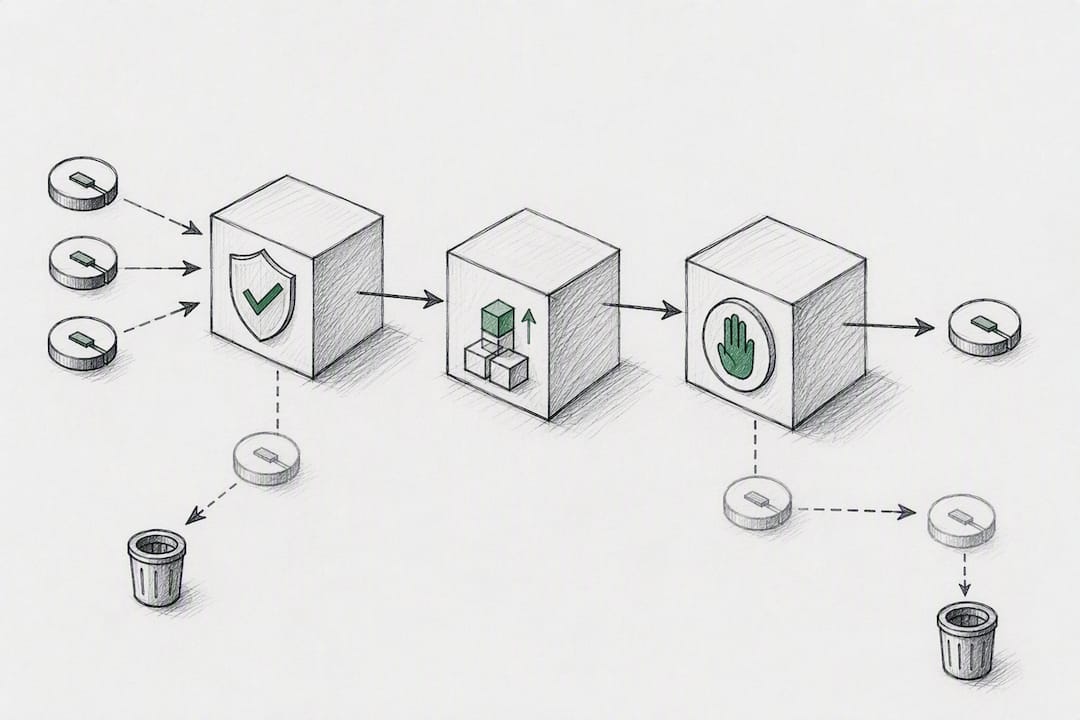
The conventional advice treats testnet testing as optional or something you do once before launch. Treat it instead as a permanent staging habit. Processors change their webhook payloads, add new signature schemes, and deprecate endpoints more often than Drupal module maintainers can patch for. A module that worked perfectly in March can silently start failing signature checks in June if nobody re-tested it.
If you take one thing from this guide, make it idempotency. Not the module choice, not the gateway brand. A duplicate webhook delivery that creates a second completed order is a customer service disaster that looks like a security breach. Store event IDs, check them before processing, and you’ve solved the failure mode that actually costs merchants money and trust.
— Dustin
Get Your Crypto Gateway Running Without the KYC Delay
Most Drupal Commerce crypto modules connect you to a processor, but that processor still puts you through a verification queue before you can accept a single payment. Some crypto payment gateways offer no-KYC onboarding, instant approval, and tiered transaction fees designed to suit varying merchant volumes.
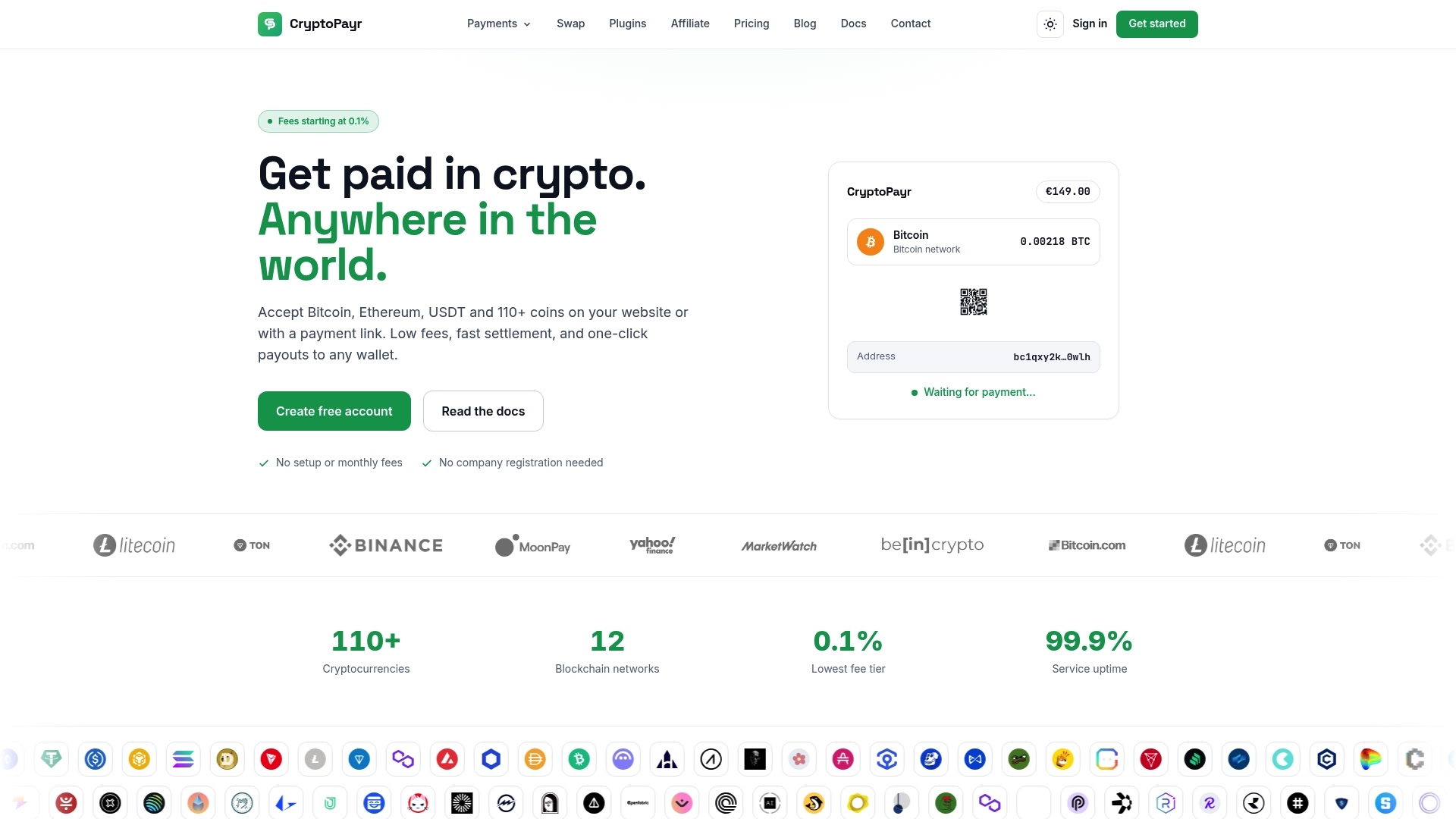
Whether you want a hosted checkout for a fast launch or an API integration that keeps buyers on your Drupal Commerce site, the setup follows the same webhook and API key pattern covered above. Store owners running marketplaces can also route payouts and commission splits directly through the mass payouts tools instead of building that logic into a custom module. Head to Cryptopayr to generate your API keys and get your webhook URL configured today.
Key Docs and Module Pages to Reference
Sources
FAQ
Which Drupal Commerce Versions Support Crypto Payment Modules?
Most current crypto gateway modules target Drupal 9 or 10 running Commerce 2.x, with PHP 8.1 or higher required. Always check the specific module’s project page for exact version constraints before installing.
Do I Need a Merchant Account Before Installing the Module?
Yes. You need an active account with your chosen processor, or a running instance of a self-hosted gateway like BTCPay Server, so you can generate the API keys and webhook secrets the module requires.
How Do I Test Webhooks During Local Development?
Use a tunneling tool like ngrok to expose your local server with a public HTTPS URL, then register that URL as your webhook endpoint in the processor’s sandbox dashboard.
Why Does My Order Stay Unpaid After Payment?
Check the webhook delivery log in your processor dashboard first. Unpaid orders usually trace back to an unreachable webhook URL, a mismatched signature secret, or a reference ID mapping error.
Does Cryptopayr Require KYC to Start Accepting Crypto?
No. Cryptopayr offers no-KYC onboarding with instant approval, letting merchants configure a hosted checkout or API integration without a lengthy verification process.
Recommended


