Shopware Crypto Payments: How to Add Them to Your Store
How crypto payments work in a Shopware 6 store, what to compare in a plugin or gateway, and how to handle refunds, underpayments and order statuses.
CryptoPayrNov 5, 202612.00 min read
Shopware Crypto Payments: How to Add Them to Your Store
You can accept crypto in Shopware by connecting a payment gateway that sends customers to a hosted crypto checkout and reports the result back to the order. In Shopware 6 this runs through a payment handler, so the order status updates like any other payment method. What matters is which gateway sits behind it: its coin coverage, fees, settlement, webhooks and refund process. This guide covers how the flow works, how to choose, and what to check before you go live.
Cryptopayr
Add Crypto Payments to Shopware
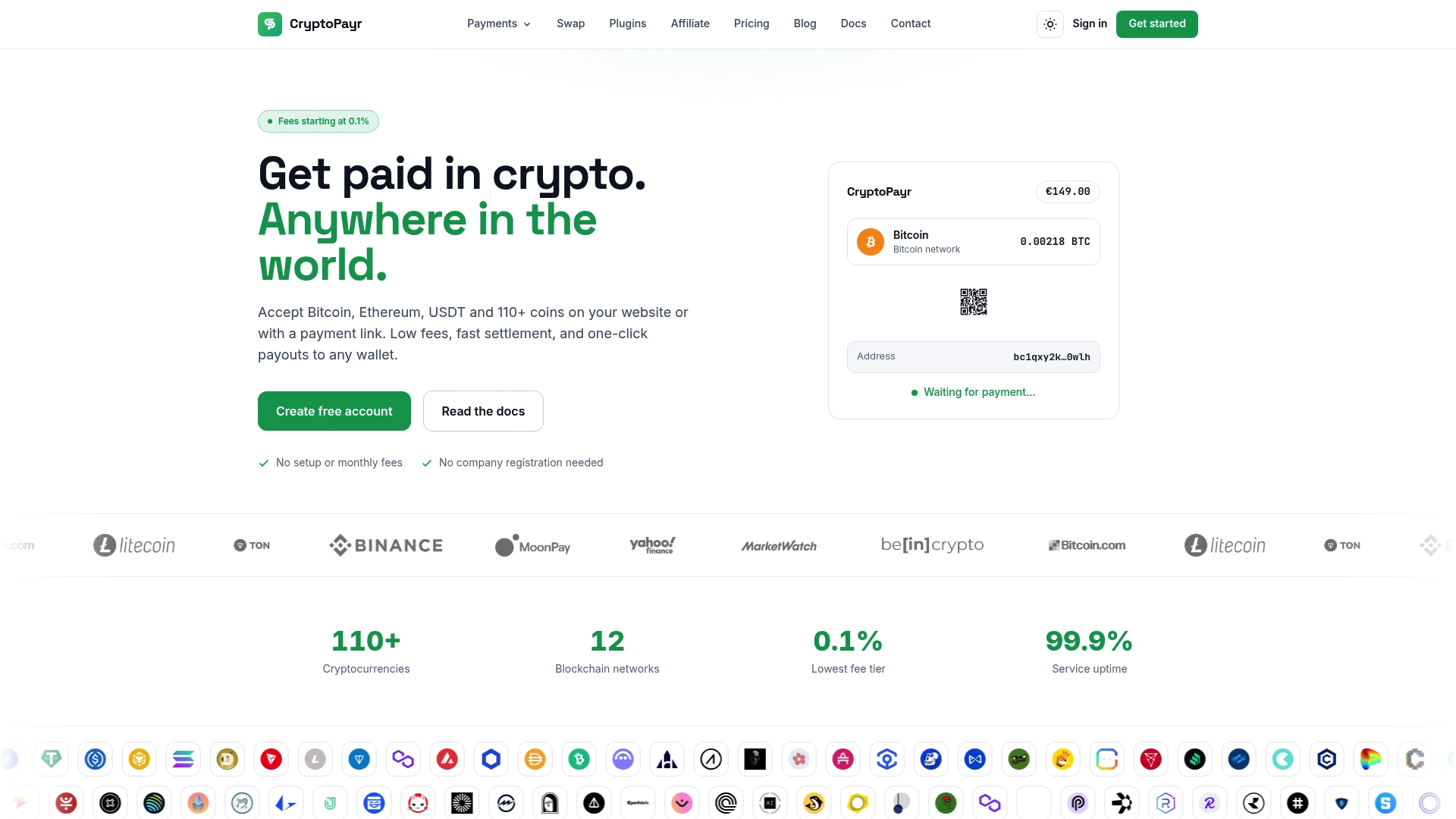
CryptoPayr lets businesses accept over 110 cryptocurrencies with a no-KYC payment gateway and fees starting at 0.1%.
Shopware routes payments through payment handlers tied to the checkout state machine, and crypto fits the same redirect-and-confirm pattern as any asynchronous payment method.
Judge a Shopware crypto setup on coin coverage, fees, settlement currency, webhook reliability and how it treats underpaid or expired payments.
Our gateway supports 110+ cryptocurrencies with no KYC, hosted checkout, payment links and an API, with tiered fees from 2% down to 0.1% by monthly volume.
Test the full order lifecycle (paid, underpaid, expired, refunded) in a staging sales channel before launch.
Shopware’s own documentation explains that the core payment system is built on payment handlers that plug into the checkout’s state machine. An extension can authorize a payment immediately, or it can hand the customer off to an external page and wait for the result. Crypto uses the second pattern.
The typical sequence looks like this:
The customer fills the cart and picks the crypto payment method at checkout.
Shopware creates the order and calls the payment handler.
The handler asks the gateway to create an invoice for the order total and redirects the customer to the hosted payment page.
The customer chooses a coin and network, then sends the exact amount to the address or QR code shown.
The gateway watches the blockchain, and once the payment reaches the required confirmations it sends a webhook (a server-to-server notification) to your shop.
Your shop verifies the notification and moves the order transaction to paid. The customer returns to the confirmation page.
The webhook is the part that matters most. A customer can close the browser after sending funds, so the return redirect alone should never decide whether an order is paid. The server-side notification should. If you want a deeper look at that principle, our post on customizing crypto checkout with webhooks before UI polish walks through it.
Why merchants add crypto to Shopware
Shopware stores often sell across borders, and cross-border card payments bring friction: declined cards, regional method gaps and chargeback exposure. Crypto gives international buyers another way to pay without a card, and it fits digital goods, subscriptions and high-ticket items particularly well.
For merchants, the practical upsides are these:
A wider set of payers. Customers who hold stablecoins or Bitcoin can check out without a bank card.
Predictable settlement. Auto-conversion to stablecoins lets you avoid holding volatile assets.
Fewer onboarding hurdles. A no-KYC gateway means you can be live without a lengthy approval process.
What to compare in a Shopware crypto payment option
Search results for this topic show several types of options: gateway plugins from established processors, Lightning-focused modules, stablecoin-only modules, and older community plugins written for Shopware 5. They differ more than the product pages suggest. Use these criteria.
Criterion
What to look for
Shopware version
A plugin built for Shopware 6, with a stated minimum version. Older Shopware 5 modules will not work on a 6 store.
Coin and network coverage
Bitcoin and Ethereum at minimum, plus the stablecoins your customers actually hold, on the networks they use.
Checkout experience
Hosted page versus on-site display, mobile wallet support, QR codes, clear exchange-rate lock time.
Order automation
Webhook-driven status changes, per sales channel configuration, handling of expired and partial payments.
Fees
Percentage per transaction, flat fees, any monthly or setup charge, and how volume affects the rate.
Settlement
Which currency you receive, how often, and whether you hold custody of funds at any point.
Onboarding
Whether you need business verification and how long approval takes.
Support and documentation
Real setup docs, a developer contact and an API you can fall back on.
Two checks save the most pain. First, confirm the integration reports payment status through webhooks. Second, confirm how the provider handles a customer who sends too little, too much or too late. Both are covered below.
Fees, settlement and custody
Fees are the easiest thing to compare and the easiest to misread. Some providers charge a percentage per settled order, some a flat amount, and some mix both with conversion spreads.
Our published model is volume-based. The rate falls as your monthly volume rises:
Tier
Fee
Standard
2%
Growth
1.5%
Scale
1%
Enterprise
0.1%
We also offer a flat fee of $0.10 per payment, described on our gateway page, and there are no setup or monthly fees. White-label fees start from 1%. Full details sit on the pricing page, which is the place to check current terms.
On settlement, decide up front what you want to receive. If you price your Shopware catalog in USD or EUR, converting incoming payments to a stablecoin shields your margins from price swings between checkout and payout. We support auto-conversion to stablecoins for exactly this reason. If you want to move funds between assets yourself, our instant crypto exchange works without KYC.
Refunds, underpayments and failed payments
Crypto transactions cannot be reversed by the merchant or the payer once confirmed, so refunds are a deliberate action, not a button that claws money back. Plan the process before the first order.
Refunds. A refund is a new outgoing transaction to an address the customer provides. Ask for a refund address in your returns flow, confirm the network, and send from your balance. Mark the Shopware order as refunded manually or through your order workflow so your records match. Setting a clear refund policy in your shop terms prevents disputes about exchange-rate differences.
Underpayments. Customers sometimes send slightly less than the invoice amount because their wallet or exchange deducted a network fee. Decide in advance whether you accept a small tolerance, request a top-up, or refund the partial amount. Your Shopware order should stay open (not paid) until the full amount is confirmed.
Overpayments. Treat the surplus as a refund or store credit, as your policy states.
Expired invoices. Quoted rates are held for a limited window. If a payment arrives after expiry, the amount may no longer match the order. Your process should flag these for manual review rather than silently marking them paid.
Wrong network. Sending a token on a different network than the one displayed can strand funds. A hosted checkout that shows the network clearly, with a QR code, reduces this risk.
A simple routine helps: test one paid, one underpaid and one expired invoice in a staging sales channel and watch how the Shopware order transaction state changes each time.
Security and confirmation checks
A crypto checkout is only as trustworthy as the way your shop confirms payment. Verify every webhook with the shared secret or signature the gateway provides, check the order ID and amount in the payload against your own records, and make your handler idempotent so a repeated notification does not trigger a second fulfillment. Keep API keys out of your theme files and restrict them to the permissions you need.
If you also send money out, for example supplier or affiliate payouts, verify who you are paying before you send. Irreversible transfers raise the stakes on the same discipline that applies to bank transfers, and this secure payment process guide covers payee verification practices for finance teams.
Connecting a gateway to Shopware 6
There are two routes, and both end in the same payment handler flow described above.
A ready-made extension. Install it from the Shopware admin under Extensions, activate it, enter your gateway credentials, then assign the payment method to your sales channels and shipping methods. Confirm that it supports your Shopware version before buying or installing.
A custom integration through the API. A developer builds a payment handler that creates an invoice through the gateway API, redirects the customer to the hosted checkout, and listens for webhooks to update the order transaction. This route gives you full control over the order statuses, per sales channel settings and the messages customers see.
Our hosted checkout, payment links and API are built for this kind of integration. Hosted checkout keeps wallet and network handling off your server, and the API and webhooks let your handler stay small. For stores that sell the same way on other platforms, we also publish modules and guides for PrestaShop, OpenCart, CS-Cart and WooCommerce, so a multi-platform merchant can keep one account and one reconciliation process.
Perspective
We built our gateway for merchants who do not want to spend weeks on approvals before they can take a first payment. Onboarding is user-friendly and without KYC, approval is instant, and there are no setup or monthly fees. That matters on a platform like Shopware, where agencies and in-house teams usually want to test on a staging channel on day one.
Our view is that the plugin matters less than the order lifecycle behind it. Shopware’s payment handler model is flexible enough that any gateway with a clean hosted checkout and reliable webhooks can sit behind it. So we focus on what happens after the customer pays: broad coin and network support, streamlined settlement and reconciliation, and auto-conversion to stablecoins so your revenue is not exposed to price swings.
We also think merchants should look beyond the first sale. The same account that takes checkout payments can send mass payouts, run recurring billing for subscriptions, and split commissions for marketplaces. One gateway, one set of reports. We operate as a regulated MSB, and we designed our fee tiers so that growing volume lowers your rate.
Dustin
What different Shopware businesses should check
Standard e-commerce stores. Price display is the first question. Decide whether to show crypto amounts at checkout or to price in your shop currency and let the gateway quote the coin amount. Then confirm the order confirmation email and invoice carry the right payment method name.
SaaS and subscription sellers. Recurring billing needs more than one-off invoices. Check how renewals are initiated, how customers are reminded, and what happens to access when a renewal invoice expires. Our recurring billing tools are designed for this.
Gaming companies. Automated in-game purchases depend on fast, reliable confirmation. Make sure your delivery logic triggers only on the verified webhook, not on the browser return.
Freelancers and agencies. Payment links let you invoice a client in crypto without building anything, and the same account can serve client stores you build in Shopware.
Multi-seller marketplaces. Commission splitting and payouts are the core requirement. Look for automatic splits at payment time and bulk payouts to sellers. Our marketplace solution and mass payouts cover both.
Agencies reselling to clients. A white-label option lets you present the gateway under your own brand. Details are on our white-label page.
Launch checklist
Before you open the payment method to customers:
Create a staging sales channel and run a test order end to end.
Confirm webhooks reach your shop and that signatures are verified.
Check that paid, expired, underpaid and refunded cases each map to the right Shopware transaction state.
Assign the method only to the sales channels, countries and currencies you want.
Write your refund and underpayment policy into your terms and checkout text.
Decide your settlement currency and set auto-conversion accordingly.
Train support staff on how to look up a payment by order number and by transaction hash.
Add crypto to your store with CryptoPayr
If you want to accept 110+ cryptocurrencies, including Bitcoin and Ethereum, without a lengthy onboarding process, we can help. You get hosted checkout, payment links, an API, and auto-conversion to stablecoins, with fees that start at 2% and drop with your monthly volume.
Does Shopware support crypto payments out of the box?
No built-in crypto method ships with the core. Shopware provides the payment handler framework, which extensions or custom code use to connect a gateway. Once connected, crypto behaves like any other method in your sales channel settings.
Can I use a Shopware 5 plugin on a Shopware 6 store?
Not as a rule. Shopware 5 and 6 have different architectures, so a plugin must be built for the version you run. Check the stated minimum version on the extension page, and use an API-based integration if your version is not covered.
Which coins should I offer at checkout?
Start with Bitcoin, Ethereum and the main stablecoins, since those are the ones most buyers hold. A gateway with wide coverage lets you add more later without changing your integration. We support over 110 cryptocurrencies.
How do I handle a refund for a crypto order?
Refunds are sent as a new transaction to an address the customer gives you, since confirmed crypto payments cannot be reversed. Collect and confirm the address and network, send the amount, and mark the Shopware order accordingly. State the policy in your terms.
Do my customers pay a fee to us?
Customers never pay us. Merchants pay the processing fee, and buyers only cover their own network fee when sending funds from their wallet.