Can You Accept Crypto on Shopify? Yes, and Here’s How

Yes. You can accept crypto on Shopify today through two practical routes: Shopify Payments’ native USDC support, or a third-party crypto payment gateway installed from Settings > Payments. Which one you pick depends on your risk tolerance, your bookkeeping setup, and how much developer time you’re willing to spend.
- Fastest path: Enable USDC through Shopify Payments if you’re in an eligible region and already have Shopify Payments active.
- More flexible path: Add a dedicated crypto gateway for broader coin support, custom checkout flows, or non-custodial payouts.
- Turnkey path: Use a dedicated gateway like Cryptopayr for 110+ coins with a low-fee, no-KYC setup that skips traditional onboarding delays.
Pro Tip: Check your region’s USDC eligibility before you build anything else. Everything downstream, from checkout copy to accounting workflow, depends on that answer.
Key Takeaways
Accepting crypto on Shopify works best when merchants match the integration model (native USDC, custodial gateway, or API-first) to their actual operational capacity rather than chasing the flashiest option.
| Point |
Details |
| Two main paths exist |
Use Shopify Payments’ native USDC support or install a third-party crypto gateway through Settings > Payments. |
| Verify eligibility first |
USDC activation requires Shopify Payments status plus identity verification in eligible regions. |
| Plan for irreversible refunds |
Blockchain payments can’t be reversed, so build a manual refund workflow before launch. |
| Watch settlement timing |
Auto-converting to fiat reduces volatility risk; holding crypto adds tax complexity and price exposure. |
| Cryptopayr offers a fast alternative |
Cryptopayr supports 110+ cryptocurrencies with no-KYC onboarding and fees starting at 0.1% for merchants wanting quick setup. |
Table of Contents
Shopify Crypto Payment Options: What’s Supported Right Now
Shopify’s native stance on crypto has shifted from “not really” to “yes, with stablecoins.” Shopify Payments now supports USDC at checkout on specific networks, and the mechanics matter more than the headline. You don’t have to hold crypto if you don’t want to. Merchants receive local fiat by default and can opt to claim USDC to a connected wallet instead, which means you can test the waters without touching your accounting stack.
The network list is where it gets specific. Shopify’s USDC checkout runs on Base, the low-fee chain built by Coinbase, alongside Ethereum L1, Optimism, Polygon, and Arbitrum. Guest checkout and Shop Pay both support it, so customers aren’t forced into a separate crypto-only flow. Wallet compatibility is broad enough that most mainstream wallets connect without friction.
Native USDC support isn’t the only door in. Shopify also lets you plug in third-party crypto payment providers through the same Payments settings menu. That’s the route for merchants who want to accept Bitcoin, Ethereum, or dozens of other assets rather than a single stablecoin:
- USDC through Shopify Payments covers stablecoin-only merchants who want minimal setup.
- Third-party gateways cover merchants who want Bitcoin, altcoins, or non-custodial settlement.
- Both options coexist. You aren’t locked into one or the other.
How to Enable Crypto Payments in Shopify: A Step-by-Step Checklist
Here’s the exact sequence, whether you’re going the native USDC route or bolting on a gateway.
- Open Settings > Payments in your Shopify admin. This is the control center for every payment method, crypto included.
- Check Shopify Payments status. If it’s already active and your store operates in an eligible region, click Manage, then look for the crypto or USDC section under Manage Payment Methods.
- Verify your identity. Shopify requires identity verification for USDC activation in eligible regions, a standard KYC check tied to Shopify Payments itself, not a separate crypto compliance layer.
- Choose your payout preference. Decide whether you want local fiat by default or want to connect a wallet to claim USDC directly. You can switch this later, but pick a default before launch.
- For third-party gateways: install the app or grab API credentials from your provider, then configure the integration through the same Payments page.
- Set up webhooks if you’re running an API-first integration, so order status updates automatically when a payment confirms on-chain.
- Run a test transaction. Use a real (small) purchase as a guest checkout, not just Shopify’s test mode, since some crypto flows behave differently outside sandbox conditions.
- Confirm the order flips to Paid and track exactly when funds hit your bank account or wallet. Settlement timing varies by provider, and you want to know your numbers before a customer is waiting on a shipping confirmation.
Pro Tip: Don’t skip the guest checkout test. Staff accounts sometimes bypass payment validation steps that a real customer will hit, which means your “successful” internal test can hide a broken flow.
What Happens After Checkout: Refunds, Settlement, and Oversell Risk
Getting paid is the easy part. Running the operation afterward is where merchants get caught off guard.
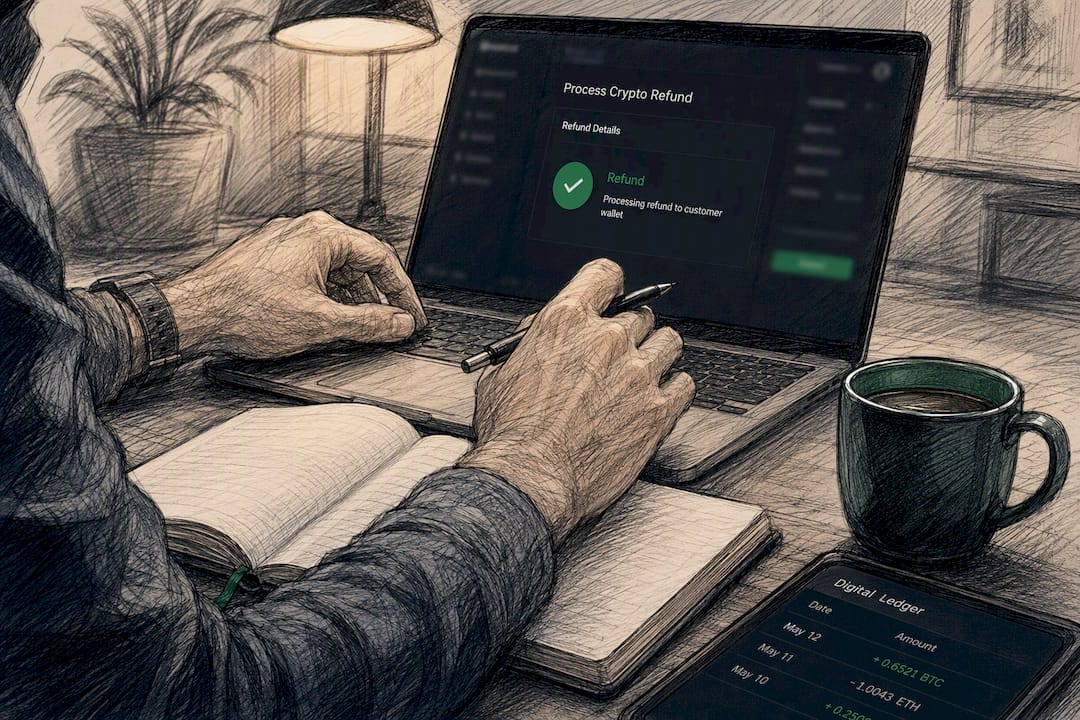
Refunds top the list. Blockchain transactions don’t reverse the way a card chargeback does, so refunds on crypto payments require manual handling through your gateway. Write a customer service script before you launch, not after your first refund request comes in. Your support team needs to know exactly how to process a manual return and how long it takes.
Settlement choice shapes your tax and liquidity picture. Auto-converting every payment to fiat removes volatility risk but means you never hold the asset. Holding crypto exposes you to price swings between the sale and the day you convert, which can turn a profitable order into a break-even one if the market moves against you overnight.
Oversell risk is the one merchants rarely see coming. Blockchain confirmations take time, and during a flash sale, that lag can let two customers buy the same limited item before either payment finalizes. Shopify’s Commerce Payments Protocol was built specifically to bring authorize-and-capture behavior, plus inventory reservation, into crypto checkout flows, which is a real advantage for native USDC over some standalone gateways.
- Manual refund workflows need to exist before launch, not after the first support ticket.
- Auto-conversion reduces volatility exposure but adds a conversion fee layer.
- Reconcile every crypto-to-fiat conversion in your accounting software the same day, not at month end.
Compliance obligations differ by gateway model too. Custodial providers typically absorb KYC and reporting requirements. Non-custodial flows push that responsibility back onto you.
Custodial, Non-Custodial, or API-First: Which Integration Fits?
Every crypto payment setup falls into one of three categories, and the right one depends on how much operational overhead you’re willing to own.
Custodial gateways get you live fastest. The provider manages conversion, handles compliance, and deposits fiat or stablecoins into your account without you touching a private key. This is the model most small and mid-size Shopify merchants should start with, since it minimizes both developer time and compliance exposure.
Non-custodial or self-hosted setups hand you more control and often lower fees, but the tradeoff is real. You manage your own keys, your own backups, and your own security procedures. One lost seed phrase is a permanent loss, not a support ticket.
API-first providers suit merchants building custom checkout UX, marketplace commission splits, or advanced payment routing across multiple sellers. This path requires developer resources to handle webhooks, reconcile transactions, and manage edge cases like partial payments or failed confirmations.
- Custodial: fastest launch, provider handles KYC, ideal for merchants without in-house dev support.
- Non-custodial: more control and potentially better margins, but you own key management entirely.
- API-first: best for marketplaces or custom flows, but budget real engineering time.
Pro Tip: If you’re not sure which model fits, start custodial. You can always migrate to a non-custodial or API-first setup once transaction volume justifies the added operational work.
Where Cryptopayr Fits Into Your Shopify Crypto Setup
Merchants who want the custodial route without the compliance overhead of KYC forms and lengthy provider onboarding have a direct option: Cryptopayr. It’s built specifically for businesses that want crypto revenue without the friction that traditionally comes with it.
- Accepts 110+ cryptocurrencies, including Bitcoin and Ethereum, not just a single stablecoin.
- No-KYC onboarding, so you skip the identity paperwork that slows down traditional payment processor setup.
- Fees starting at 0.1%, well below what many card processors charge.
- Hosted checkout, payment links, and API access, so you can integrate at whatever technical depth fits your store.
- Choice of fiat settlement or crypto payout, depending on how you want to manage volatility exposure.
Merchants juggling multiple platforms often run crypto payments across a Shopify storefront and a separate billing system at once. A gateway that supports plugin-based stores as well as API integrations means you’re not rebuilding your payment stack every time you add a new sales channel.
If you’re running a WooCommerce store alongside Shopify, or evaluating how a WooCommerce crypto payment gateway compares to a Shopify-native setup, the underlying gateway logic carries over. Same reconciliation habits, same customer communication approach.
Fixing Common Crypto Payment Problems on Shopify
Most crypto payment issues on Shopify trace back to a handful of repeat offenders.
Payment option not showing at checkout. This usually means Shopify Payments isn’t fully activated, or your region doesn’t yet support USDC. Double check Settings > Payments for a pending verification flag before assuming the integration is broken.
Identity verification stuck in review. Verification delays happen when submitted documents don’t match your business registration details exactly. Resubmit with your legal business name spelled identically to your official registration, not a shortened storefront name.
Order stuck in “payment pending.” This is almost always a blockchain confirmation delay, not a broken integration. Networks like Ethereum L1 can take longer during high traffic periods than Base or Polygon. Build a buffer into your fulfillment process rather than shipping the instant an order appears.
Webhook failures on third-party gateways. If order status isn’t updating automatically, check that your webhook endpoint is publicly accessible and returning a 200 response. A misconfigured firewall or an expired SSL certificate on your endpoint is the usual culprit.
Customer paid the wrong network or asset. This happens when a customer sends funds from an exchange that doesn’t support the specific network your checkout expects. Prevention beats troubleshooting here: display the exact network name, not just “USDC,” directly on the payment screen.
Refund requests with no clear process. If your support team doesn’t have a documented manual refund workflow, build one now. Include exact steps for verifying the original transaction hash, calculating any conversion difference, and processing the return through your specific gateway’s dashboard.
Mismatched settlement amounts in accounting. Volatility between payment time and conversion time creates small discrepancies. Reconcile daily instead of weekly so gaps stay small and traceable.
Security Best Practices for Crypto Payments on Shopify
Crypto payments remove some fraud vectors (no chargebacks, no stolen card numbers) but introduce new ones you need to plan for.

Protect your private keys like you’d protect a bank vault combination, because that’s functionally what they are. If you’re running a non-custodial setup, use hardware wallets for any funds you’re holding rather than software wallets connected to the internet. A custodial gateway removes this burden entirely, which is one reason many merchants choose that model to start.
Enable two-factor authentication on every account tied to your payment stack: your Shopify admin, your gateway dashboard, and any wallet interface you use for payouts. This single step blocks the majority of account takeover attempts that don’t involve sophisticated hacking, just stolen or reused passwords.
Watch for phishing attempts specifically targeting crypto merchants. Fake “Shopify Payments verification” emails asking you to re-enter wallet credentials are common, and they look convincing. Verify any unexpected request by logging into your admin directly rather than clicking an email link.
Monitor your webhook logs regularly if you’re running an API-first integration. Unusual patterns, like repeated failed authentication attempts, often signal someone probing your endpoint before attempting a more serious exploit.
Segment access internally. Not every staff member needs admin-level access to your payment settings. Limit who can modify payout wallets or change gateway configurations, and log every change so you can trace what happened if something goes wrong.
Finally, keep a written incident response plan. If a wallet is compromised or a gateway reports suspicious activity, your team needs to know the exact steps to freeze payouts and notify customers, not figure it out in real time during a crisis.
Legal and Tax Rules Merchants Need to Know
Tax treatment of crypto payments varies significantly by country, and there’s no universal rule you can apply globally. In many jurisdictions, receiving crypto as payment for goods is treated as taxable revenue at the fair market value on the date of the transaction, regardless of whether you later convert it to fiat or hold it. Some jurisdictions add a second tax event if the crypto’s value changes between receipt and conversion.
This is why settlement choice matters beyond convenience. If you auto-convert to fiat immediately, your bookkeeping looks close to a standard sale. If you hold the asset, you’re tracking two separate events: the original sale value and any gain or loss when you eventually convert or spend it.
Compliance obligations depend heavily on your integration model. Custodial gateways generally handle reporting and anti-money-laundering requirements on their end, which reduces your direct compliance burden. Non-custodial setups shift more of that responsibility to you as the merchant, particularly around recordkeeping.
None of this is a substitute for advice from a tax professional familiar with your specific jurisdiction and business structure. Rules differ enough between countries, and even between states or provinces within a country, that a general guide can only point you toward the right questions to ask, not give you a definitive answer for your specific situation.
How to Explain Crypto Payment Options to Customers
A crypto payment option only helps your conversion rate if customers actually understand it. Burying it as a vague icon at checkout does more harm than good.
Label the option clearly on your product pages, not just at checkout. A simple line like “Pay with USDC, Bitcoin, or other crypto” next to your existing payment icons sets the expectation early, rather than surprising shoppers at the last step.
At checkout, be specific about which assets and networks you accept. “We accept USDC on Base” tells a crypto-savvy customer exactly what to expect, while a vague “crypto accepted” badge creates uncertainty about compatibility with their wallet or exchange.
Address the confirmation delay directly if your setup has one. A short note like “Crypto payments may take a few minutes to confirm; you’ll receive an email once your order is processed” prevents the anxious refresh-and-abandon behavior that happens when customers see a pending status with no explanation.
Don’t hide your refund policy for crypto orders. Since crypto refunds require manual processing, state that plainly: “Crypto payment refunds are processed within [your stated timeframe] directly to your original payment address.” Transparency here builds trust precisely because crypto refunds work differently than card refunds, and customers who’ve shopped with crypto before will notice if you get this right.
An Editorial Take on Shopify Crypto Payments
Most guides treat crypto checkout like a technical switch you flip once. It isn’t. The technical part, enabling USDC or installing a gateway, takes twenty minutes. The operational part, deciding how you’ll refund a customer, reconcile a volatile settlement, and explain confirmation delays to someone staring at a pending order, is where most merchants quietly fail.
The conventional advice oversells the “just add crypto” pitch and undersells the accounting and support workflow underneath it. Shopify’s own Commerce Payments Protocol exists because raw blockchain settlement doesn’t naturally fit commerce expectations like inventory holds. That’s a real engineering admission worth paying attention to.
If you’re starting out, prioritize the boring stuff first: a written refund process, a settlement default you’ve actually thought through, and clear checkout copy. The coin selection and network support matter less than whether your team knows what to do the first time something goes sideways.
Get Crypto Payments Running on Your Shopify Store With Cryptopayr
If you’ve read this far, you already know the technical setup isn’t the hard part. It’s the fee structure and onboarding friction that slow most merchants down. Cryptopayr strips that out: no KYC forms, no weeks-long approval process, and fees starting at 0.1%, a fraction of what many traditional processors charge for card transactions.
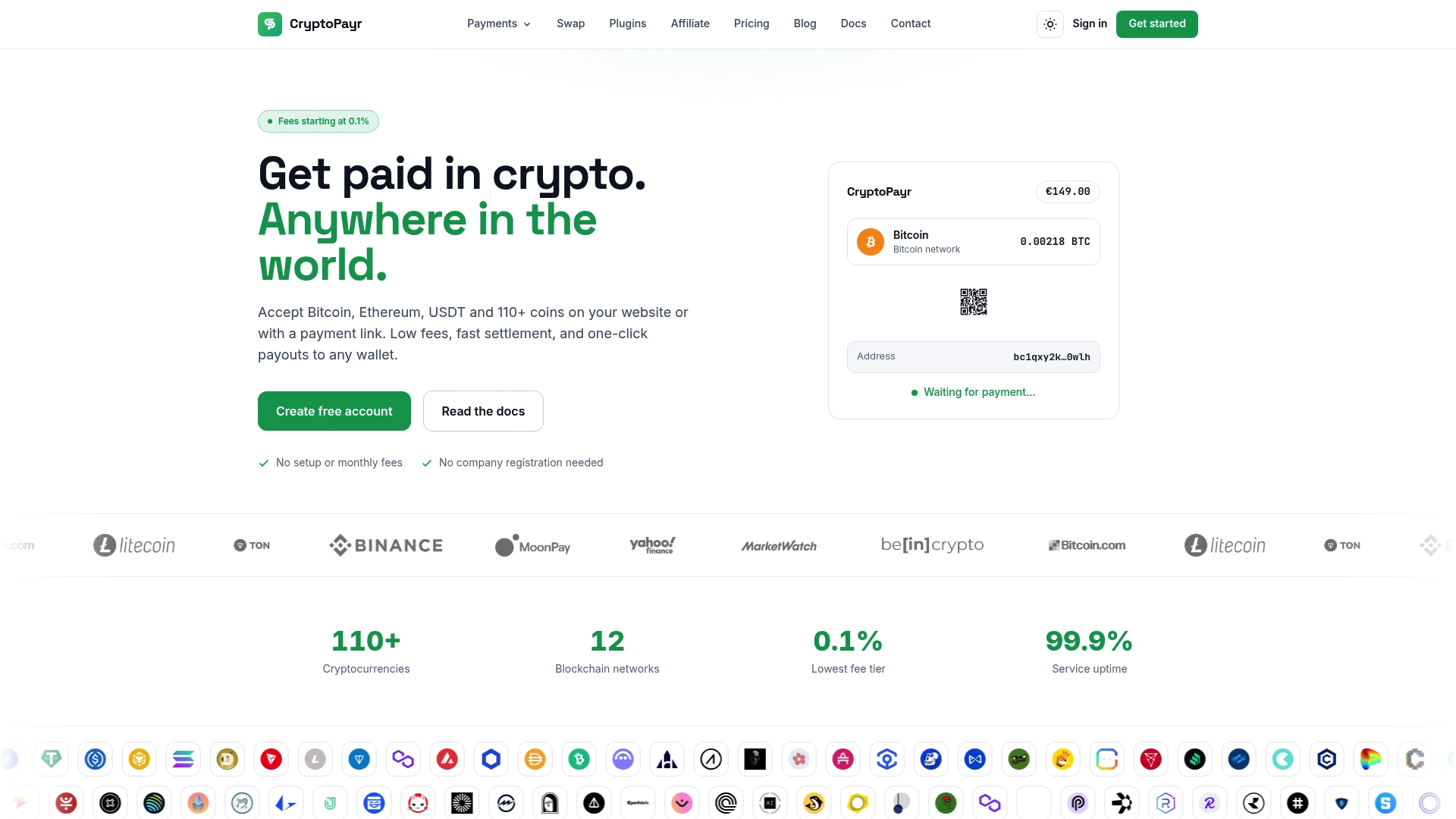
Cryptopayr fits Shopify merchants who want more coin coverage than a single stablecoin option provides. You get 110+ cryptocurrencies including Bitcoin and Ethereum, hosted checkout or API access depending on your technical comfort, and the choice between fiat settlement or crypto payouts. If your store also needs recurring billing or you’re managing a marketplace with commission splits, Cryptopayr handles both without a separate integration. Merchants comparing e-commerce platforms before committing to a payment stack can also check this rundown of Shopify alternatives for broader context.
Ready to see it in action? Visit the Cryptopayr gateway page to review setup requirements and get your Shopify store accepting crypto payments this week.
Frequently Asked Questions
Does Shopify support Bitcoin payments directly?
Not natively through Shopify Payments, which currently supports USDC. To accept Bitcoin, you need a third-party crypto payment gateway installed through Settings > Payments.
What regions are eligible for USDC on Shopify Payments?
Eligibility depends on your store’s region and whether Shopify Payments is active there. Check your Shopify admin directly, since supported regions can expand over time.
Do I need a crypto wallet to accept USDC on Shopify?
No. Shopify defaults to paying you in local fiat currency. You only need a wallet if you choose to claim USDC payouts instead.
How long do crypto payment confirmations take on Shopify?
It depends on the network. Base and Polygon tend to confirm faster than Ethereum L1, especially during periods of high network traffic.
Can I offer both USDC and other cryptocurrencies on the same Shopify store?
Yes. Native USDC through Shopify Payments and a third-party gateway for other assets can run side by side without conflict.
Sources
Recommended