Crypto Payment Links: Create and Share in Minutes

You can generate a no-code crypto payment link and start accepting payments in under five minutes. No developer, no checkout integration sprint, no lengthy merchant onboarding. Pick a hosted pay-link service, set your amount and accepted coins, and share the URL.
Who this works best for:
- Freelancers invoicing clients in Bitcoin or stablecoins
- E-commerce merchants who want crypto alongside card checkout
- Nonprofits and creators collecting one-time or recurring donations
- U.S.-based SaaS platforms adding crypto as a billing option
Most hosted pay-link services are available to U.S. merchants and support direct on-chain settlement to a wallet you control.
Key Takeaways
| Point |
Details |
| No-code setup |
Create and share a hosted payment link in under five minutes, no developer required. |
| Settlement choice |
Non-custodial routes funds directly to your wallet; custodial enables fiat conversion but adds processor risk. |
| Fee structure |
Processor fees start at a low rate; always add gas and conversion spread to calculate your true effective cost. |
| Security priority |
Require chain enforcement and HMAC-signed webhooks from any provider before going live. |
| Cryptopayr |
Supports 110+ coins, fees from 0.1%, no-KYC onboarding, and plugins for major e-commerce platforms. |
Table of Contents
How do you create a crypto payment link without code?
The only things you need to get started: an email address, a crypto wallet address (or a preference for auto-conversion), and a clear idea of what you’re charging.
Step-by-step:
- Sign up or log in to your hosted pay-link provider.
- Select “Create payment link” from the dashboard.
- Set the amount, currency (USD equivalent or a specific coin), and a reference label for reconciliation.
- Choose which chains and coins you’ll accept, and pick your settlement preference: receive crypto directly or auto-convert to a stablecoin.
- Generate the URL. The platform hosts the checkout page for you.
- Share the link via email, invoice footer, chat, or social media. Add a QR code for in-person or print use.
Reusable payment links are a practical variation: one URL that works for multiple payments, ideal for recurring clients or tip jars.
Sharing options at a glance:
- Paste into an email or invoice PDF
- Drop into Slack, WhatsApp, or a CRM deal record
- Embed as a button on a landing page
- Print as a QR code for events or physical locations
Hosted pay-link platforms can enforce chain and coin choices at the link level, which means a customer can’t accidentally send ETH on the wrong network. That single feature eliminates the most common reconciliation headache merchants face.
Pro Tip: Lock your accepted chains at link creation. If you accept USDC, specify whether that’s USDC on Ethereum, Solana, or Base. Leaving it open invites wrong-chain sends that are painful to recover.
What are the best use cases and channels for sharing payment links?
Merchant adoption of crypto payments is rising across e-commerce and digital services, and pay links are the fastest entry point because they require zero site changes.
Top use cases:
- One-off freelance invoices (design, consulting, development)
- Recurring subscriptions billed monthly via a reusable link
- Nonprofit and creator donations
- Marketplace payouts to sellers or affiliates
- Sales-team handoffs where a rep closes a deal over chat
- Event ticketing and digital product top-ups
Best channels by customer type:
For crypto-native customers, a raw URL in Telegram, Discord, or X (Twitter) converts well. They’re comfortable with wallet interactions and don’t need hand-holding. For mainstream customers, embed the link as a branded button on your checkout page or include it in a clean invoice PDF. A QR code at a physical point of sale bridges both worlds.
Pro Tip: For email invoices, put the payment link in the first visible line of the email body, not buried in a PDF attachment. Open rates are high; click-through drops fast after the fold.
How do funds actually arrive after a crypto payment?
Most pay-link flows use one of two settlement models, and the choice matters more than most merchants realize.
Non-custodial (wallet-to-wallet): The customer’s wallet sends funds directly to your wallet address on-chain. Settlement is final when the transaction confirms, typically within seconds to a few minutes depending on the network. No withdrawal queue, no processor holding your funds.
Custodial processor route: The processor receives funds, holds them briefly, and releases them on a withdrawal schedule. Convenient for auto-conversion to fiat, but it introduces custody risk and delays.
Key differences:
- Non-custodial: instant on-chain finality, you control the keys, no withdrawal lag
- Custodial: fiat conversion available, but funds sit with a third party until released
- Auto-conversion: some platforms swap crypto to a stablecoin or fiat at checkout, locking in the USD value before volatility can move it
On refunds: crypto payments are final on-chain. There is no chargeback mechanism equivalent to a card network. If a customer disputes a charge, resolution is a merchant-side decision, handled outside the blockchain. This cuts both ways: you won’t lose revenue to fraudulent chargebacks, but you also need a clear refund policy in writing before disputes arise.
Settlement reality check: Non-custodial settlement removes the processor as a point of failure. For merchants who’ve dealt with payment processor holds or frozen accounts, that alone is worth the tradeoff.
What features should you look for in a pay-link product?
Prioritize non-custodial settlement, chain enforcement, a transparent fee structure, and webhook support for reconciliation. Everything else is secondary.
Feature checklist:
- Broad coin support (the more chains covered, the fewer customers you turn away)
- Chain enforcement to block wrong-network sends
- Hosted checkout page (no server required)
- Recurring billing links for subscriptions
- White-label options for agencies or platforms
- Plugin integrations for WooCommerce, Easy Digital Downloads, OpenCart, and similar platforms
- API and webhook access for custom automation
Developer communities do build their own pay-link generators, including custom tools on networks like Base. But custom-built solutions shift the maintenance burden entirely to you and typically lack merchant-oriented features like HMAC-signed webhooks and accounting metadata.
Feature comparison at a glance:
| Feature |
What to look for |
| Supported coins |
broad coverage across major networks |
| Chain enforcement |
Enforced at link level, not just UI warning |
| Recurring billing |
Native recurring links, not manual re-sends |
| Hosted checkout |
Fully hosted, no server or SSL required |
| White-label |
Custom domain and branding available |
| Plugins |
WooCommerce, EDD, OpenCart, CS-Cart |
For U.S. merchants, confirm KYC thresholds before processing high volumes. Some platforms offer no-KYC onboarding up to defined limits, which speeds up launch but may require verification as volume grows.
How do you manage and track payments from a dashboard?
A solid pay-link product gives you live payment status, HMAC-signed webhooks, exportable reports, and plugin options for your existing stack. Without those, reconciliation becomes a manual spreadsheet exercise.
What to expect from a good dashboard:
- Real-time payment notifications via email, webhook, or SMS
- CSV and JSON export for accounting and finance teams
- HMAC-signed webhooks that include your invoice reference field
- Plugin support for WooCommerce, Easy Digital Downloads, OpenCart, and CS-Cart
- API endpoints for building custom automation or CRM handoffs
Merchants should check real-world reviews on platforms like Trustpilot before committing to a provider. Integration pain points and support responsiveness show up in user feedback long before they show up in marketing copy.
Pro Tip: The fastest reconciliation path is an HMAC-signed webhook that fires on payment confirmation and includes your reference field. Ask vendors explicitly whether their webhooks carry that field before signing up.
Common integration patterns: embed a pay-with-crypto button on your site, attach the link in your invoice template, or trigger a link via CRM when a deal closes. The pay-with-crypto button guide from Cryptopayr covers the embed path in detail.
What do crypto payment links actually cost?
Expect a processor fee plus blockchain gas. Low-fee processors start around 0.1% per transaction; flat-fee hosted stablecoin links, like those from PYMSTR, run 1% flat with non-custodial settlement. Those are different models, and comparing them requires knowing your average transaction size.
Cost components to account for:
- Processor fee (percentage or flat per transaction)
- Blockchain gas (paid by the customer or built into the link)
- Conversion spread if you auto-convert to fiat or stablecoin
- Withdrawal fees for custodial processors that batch payouts
Sample fee models:
| Model |
Processor fee |
Settlement |
| Volume-based percentage |
From 0.1% |
Crypto or stablecoin |
| Flat percentage |
1% |
Non-custodial, direct |
| Subscription tier |
Monthly flat + low per-tx |
Custodial or non-custodial |
To calculate effective cost per transaction: add the processor fee, the gas cost (estimate from the network’s current base fee), and any conversion spread. processors. For high-ticket transactions, crypto acceptance can cost materially less than card rails. For small transactions, gas costs can tip the math the other way.
Ask vendors to disclose the conversion spread explicitly. It’s often the hidden cost that makes a “low fee” processor more expensive in practice.
What security and compliance basics apply to U.S. merchants?
Choose a custody model that matches your risk tolerance first. Non-custodial settlement keeps funds off the processor’s balance sheet; custodial routes are more convenient but add operational risk if the processor has issues.
Security checklist:
- Chain enforcement at the link level (not just a UI warning)
- HMAC-signed webhooks to verify payment events
- Two-factor authentication on the merchant dashboard
- Audit logs for all link creation and settlement activity
- Plugin isolation so a compromised plugin can’t access your full account
- White-label controls if you’re running a platform for other merchants
U.S. compliance note: KYC and AML thresholds vary by provider. Some pay-link platforms offer no-KYC merchant onboarding up to defined processing limits. Confirm those limits in writing before you scale. FinCEN guidance on money services businesses applies to some crypto payment flows, so consult a compliance professional if you’re processing significant volume.
Crypto payments eliminate chargeback fraud, which costs U.S. merchants billions annually across card networks. That’s a real operational benefit, but it shifts dispute resolution entirely to you as the merchant.
Pro Tip: Get the provider’s refund and dispute workflow documented before your first live transaction. On-chain receipts serve as your primary bookkeeping record; export them regularly and store them alongside your standard financial records.
Your checklist from sign-up to first live payment
You can go from zero to receiving your first crypto payment in a single session. Here’s the exact sequence:
- Create your merchant account with an email address.
- Configure your settlement preference: wallet address for non-custodial, or auto-convert settings for stablecoin/fiat.
- Create your first payment link: set the amount, currency, accepted chains, and a reference label.
- Send a test transaction using a small amount on a testnet or a minimal live amount.
- Confirm the payment appears in your dashboard and the webhook fires with the correct reference field.
- Share the live link via email, invoice, or your chosen channel.
- Verify settlement arrives in your wallet or conversion account within the expected timeframe.
Common pitfalls to avoid:
- Accepting a coin on the wrong chain (enforce chain at link creation)
- Skipping the reference field (makes reconciliation painful at scale)
- Sharing a link before testing it end-to-end
- Setting a fixed fiat amount without accounting for gas on small transactions
Why Cryptopayr is a practical choice for business pay links
Cryptopayr is built for merchants who want broad coin support, low fees, and no-code setup without a lengthy onboarding process. It’s a strong fit for e-commerce stores, SaaS platforms, freelancers, and digital marketplaces.
What Cryptopayr brings to the table:
- 110+ supported cryptocurrencies, including Bitcoin, Ethereum, and major stablecoins
- Fees starting at 0.1% per transaction
- No-KYC merchant onboarding option for fast launch
- Hosted checkout pages and shareable payment links
- Recurring billing for subscription-based businesses
- Plugins for WooCommerce, Easy Digital Downloads, OpenCart, and CS-Cart
- White-label options for agencies and platforms
- Mass payouts and marketplace commission splitting for multi-vendor setups
For a freelancer, that means sending a crypto invoice by email in two minutes. For a marketplace operator, it means splitting commissions automatically without building custom payout logic. The Cryptopayr gateway covers both ends of that spectrum from a single dashboard.
Pay links are the fastest path, not the final destination
Pay links are the right starting point for most non-technical teams. They require no integration, no developer time, and no changes to your existing site. You can be accepting crypto payments before your next meeting.
The growth path is straightforward: start with a link, add a plugin when you want checkout embedded in your site, then move to the API when you need custom automation or white-label control. Most merchants never need to skip ahead. The link alone handles the majority of real-world payment scenarios.
When to use a link versus a full checkout integration: use a link for one-off invoices, sales handoffs, donations, and any situation where you’re sending a payment request to a specific person. Use a checkout plugin or API when every visitor to your site needs to see a crypto option at the point of purchase.
Cryptopayr gets you from zero to paid in minutes
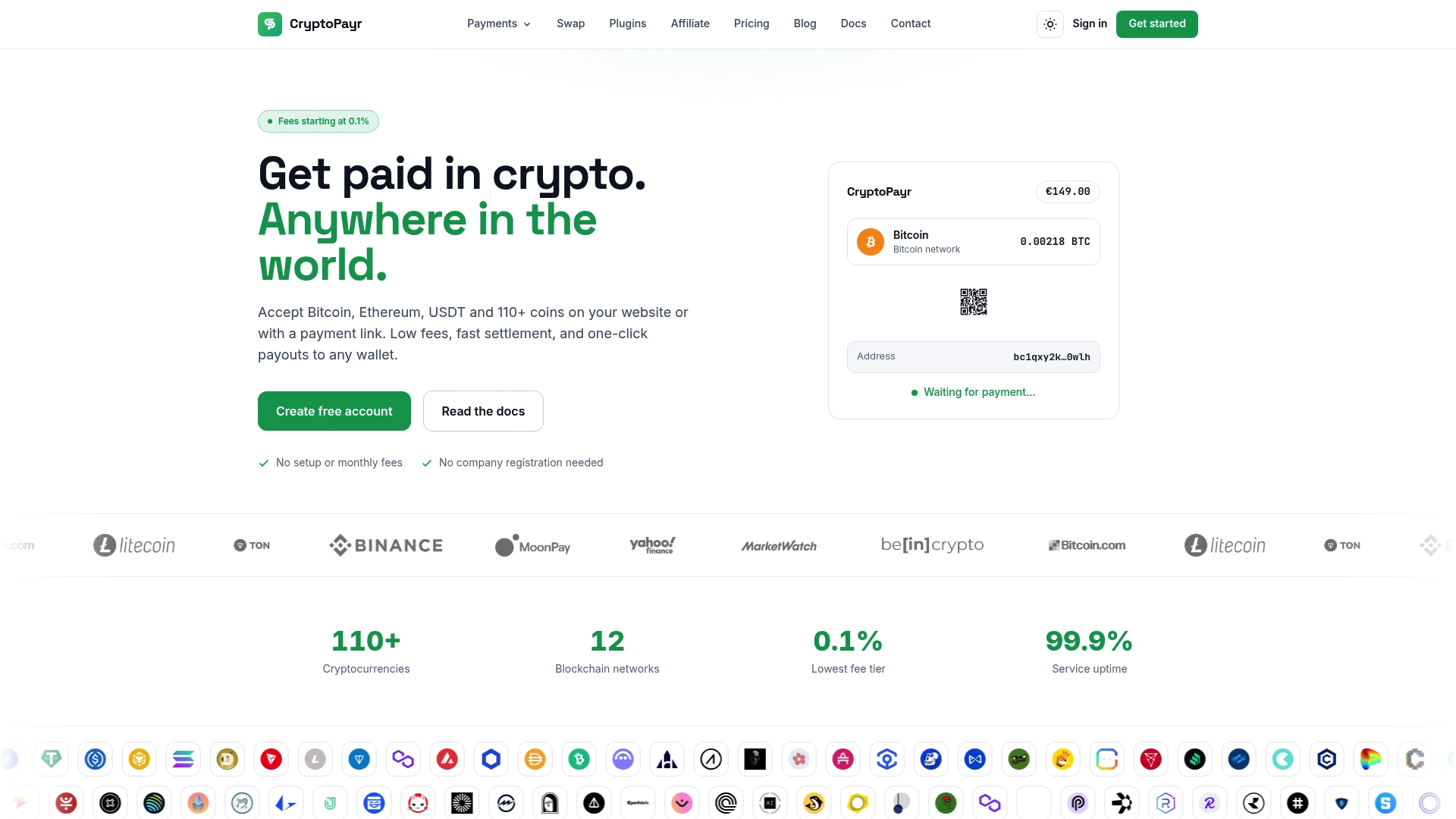
Cryptopayr gives merchants a faster, cheaper alternative to card-only checkout. Fees start at a low rate for competitive processing, no-KYC onboarding means you’re live without paperwork delays, and 110+ supported coins means you’re not turning away customers who pay in Bitcoin, Ethereum, or any major stablecoin. There’s no integration sprint required. Generate your first hosted payment link, share it, and collect. When you’re ready to go deeper, the plugins and API are already there. Head to the Cryptopayr gateway and create your first link today.
Sources
This article is general information, not a substitute for advice from a qualified financial advisor. Consult a qualified financial professional about your own circumstances before acting on anything here.
Recommended